
Veo4 Alternatives for Image Animation and AI Video Model Choice
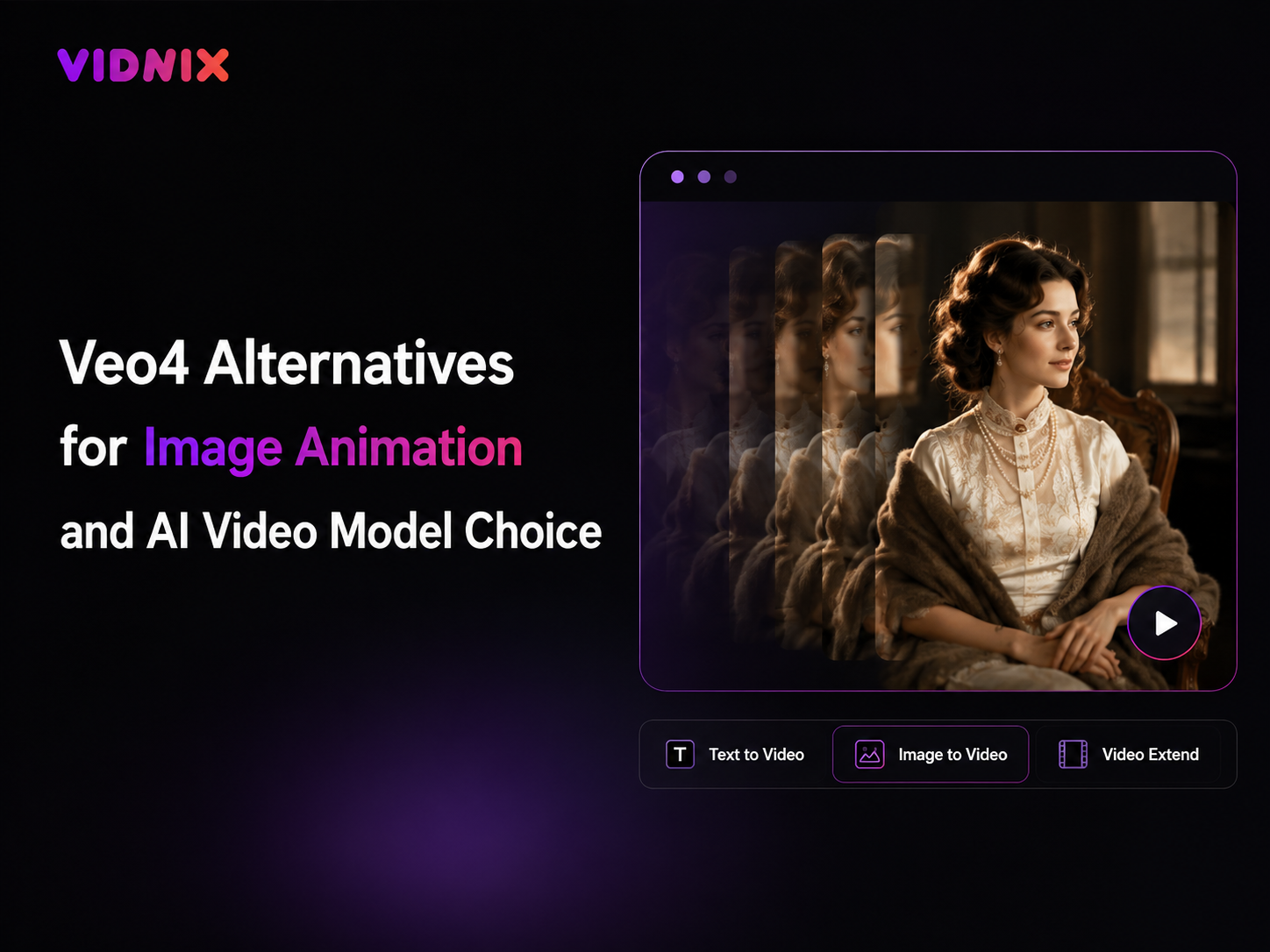
AI video tools are changing fast, so many creators, marketers, social media teams, ecommerce teams, and small businesses now compare alternatives before choosing a workflow. In this guide, veo4 AI Video Generator is used as a comparison topic, not as a claim that Vidnix officially supports Veo4. The focus is practical: how to choose between text-to-video, image animation AI, video extension, and credit planning for real short-form video work.
Instead of chasing a model name, a better workflow starts with the content task. A still image may need motion. A written idea may need a generated scene. A short clip may need a smoother ending. Therefore, the right AI video model choice depends on input type, control, stability, output channel, and testing cost.
Quick navigation: Quick Answer Why Compare Selection Path Image Animation Best Fit Planning Advice FAQ
Quick Answer: What Makes a Good Veo4 Alternative?
A good Veo4 alternative should solve a specific production problem. For example, a still product image may need smooth motion. A campaign concept may need a short text-generated scene. A promising AI clip may need more seconds. Therefore, the best option is the workflow that fits the source asset and the final publishing channel.
For Vidnix, the practical route is to compare current AI video options. Text to Video fits written ideas, short scripts, and campaign concepts. Image to Video fits still visuals that already look right. Video Extend fits generated clips that need a longer or smoother continuation.
In other words, model choice should follow the job of the video. A famous model name may attract attention, but a reliable workflow needs repeatable results, clear prompt control, and a simple way to test ideas before publishing.
Why Veo4 Alternatives Need Careful Comparison
First, AI video model names can create confusion. Search demand may rise before access details, platform support, limits, and use cases become clear. Therefore, comparison articles should avoid unsupported claims and should explain what each workflow can actually help with.
For official model context, the safest reference is the Google DeepMind Veo page. This gives readers a neutral place to check Veo-related model information instead of relying on copied claims, old tool pages, or unclear social posts.
At the same time, practical video creation needs more than a model name. A social clip needs a clear hook. A landing page visual needs polished motion. A product teaser needs stable details. An image animation test needs the original visual to remain recognizable.
Therefore, the better question is simple: what is the source asset, what should move, where will the clip be used, and how many test generations are realistic? Once those answers are clear, AI video model choice becomes much easier.
Recommended Selection Path for Vidnix AI Video Workflows
A practical selection path keeps the decision simple. First, define whether the project starts with text, one still image, or an existing short clip. Next, choose the matching Vidnix workflow. Then, test a small batch before planning a larger content set.
For prompt-led concepts, Text to Video is the natural starting point. It can support short ads, campaign scenes, social hooks, creative mood tests, product explainers, and simple storytelling clips. This works well when the visual direction is not fixed yet.
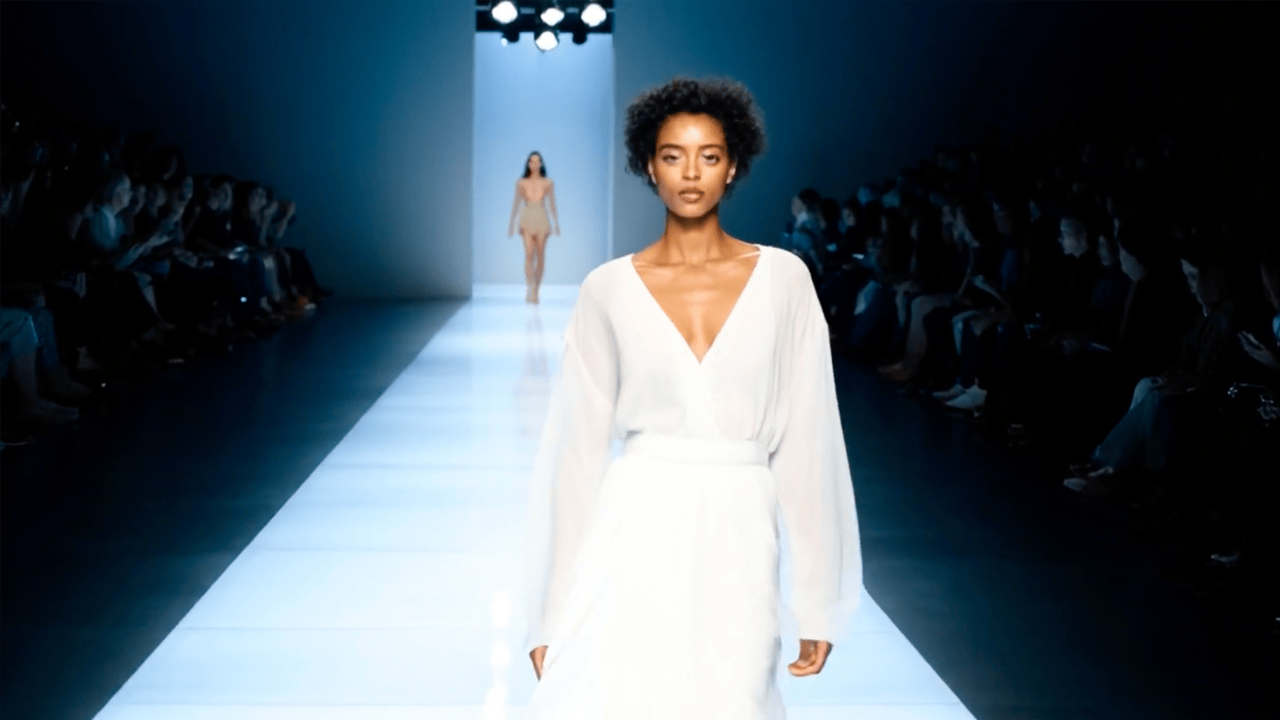
For image-led projects, Image to Video is usually stronger. It can help turn one still visual into motion while keeping the source image as the anchor. This is useful for product images, artwork, campaign graphics, app mockups, thumbnails, and social visuals.
Simple workflow rule
- Use Text to Video when the project starts from a written idea, a short scene, or a script.
- Use Image to Video when the project starts from one still image that already looks right.
- Use Video Extend when a generated clip works but needs more duration.
- Use Pricing before generating many variations, especially for regular content batches.
When Image Animation AI Is the Better Choice
Image animation AI is strongest when the source visual already matters. A product photo, campaign image, artwork, app mockup, thumbnail, or branded visual may not need a new scene. Instead, it needs motion that improves attention while keeping the original look stable.
For example, a product image may need a slow push-in, a clean reveal, or a soft lighting shift. A social post may need parallax depth, moving background elements, or a stronger visual hook. An illustration may need clouds, light, wind, or gentle camera drift.
However, image animation should not distort key details. If the product shape changes, the logo becomes unclear, or the subject moves in an unnatural way, the result should be revised. In this workflow, the image is the anchor, and the motion should support it.
Therefore, image-to-video is often the better alternative path for visual teams that already have approved assets. It reduces creative guesswork and makes it easier to turn one still image into several short video ideas.
Turn one photo into video Extend a generated clip
Useful image animation prompt patterns
- Slow camera push, clean background, soft light movement, stable subject.
- Gentle parallax, atmospheric depth, subtle particles, cinematic mood.
- Product reveal, slight camera orbit, studio lighting, clear focal point.
- Vertical social teaser, quick motion hook, bright lighting shift, smooth pacing.
- Artwork comes alive, moving clouds, soft wind, glowing light, natural drift.
These prompts stay useful because they describe movement, not an entire movie. Also, they help the AI focus on the original image instead of inventing too many new details.
When Text-to-Video Is the Better Choice
Text-to-video fits projects that begin with a concept. For example, a launch teaser may need a futuristic city scene. A short ad may need a product moment in a clean studio. A social clip may need a dramatic opening shot before any final visual asset exists.
In this case, the prompt becomes the creative brief. It can describe the subject, setting, action, camera movement, lighting, mood, and format. Therefore, text-to-video gives more freedom than image animation when the visual direction is still open.
However, prompts should stay focused. A long prompt with conflicting ideas can reduce clarity. Instead, a short prompt with one clear subject and one clear motion direction often works better.
A practical prompt might be: “Premium product teaser, slow camera push, clean studio background, soft highlights, subtle motion, vertical format.” This gives enough direction without overloading the model.
Text-to-video works well for
- Social media hooks and short vertical concepts.
- Landing page mood clips and campaign visuals.
- Explainer-style scenes from scripts or outlines.
- Creative pitch videos before final production.
- Ad concept testing before design assets are ready.
Who This Workflow Is Suitable For
A high-quality comparison should explain who the workflow suits. Otherwise, readers may understand the concept but still feel unsure about the next step. The best-fit scenarios below connect the search intent with practical action.
Creators and visual storytellers
Creators often need fast experiments. Therefore, image animation can help turn artwork, portraits, thumbnails, and concept visuals into short clips. Text-to-video can also support fresh scene ideas when the visual direction is not fixed.
For this group, the best workflow is usually a small test batch. Three variations can reveal which motion style works best without wasting credits or time.
Marketing and campaign teams
Marketing teams need clips that support a message. A good AI video should match the campaign mood, landing page, offer, and visual direction. Therefore, text-to-video works well during early concept testing.
After the campaign visual is approved, image animation can bring the final asset to life. This staged path makes the workflow more controlled and avoids random output.
Social media teams
Social media teams need speed, variety, and clear hooks. A static post may need motion for a feed. A short idea may need a visual test. A generated clip may need a smoother ending.
For this use case, the workflow should support vertical thinking, quick prompt changes, and easy comparison. Image-to-video and text-to-video can work together well here.
Ecommerce content teams
Ecommerce visuals need product clarity. Therefore, subtle animation often works better than aggressive transformation. A slow reveal, light movement, or clean camera push can make a product image more engaging while keeping details visible.
Before publishing, each clip should be checked for product shape, color, packaging, logo clarity, and motion artifacts. This review step keeps image animation useful for commercial pages, ads, and social posts.
Small businesses
Small businesses often need simple, repeatable content workflows. A practical AI video option should not require a full editing team. Instead, it should make it easy to test one prompt, one image, or one clip.
For this group, the best next step is usually a focused trial. One concept, one source image, and three output variations can show whether the workflow fits regular content needs.
Practical Selection and Credit Planning Advice
AI video testing can become expensive if every idea turns into endless generations. Therefore, selection decisions should be tied to output goals. A team planning one social test has different needs from a team planning weekly ads, product clips, and landing page visuals.
First, define the expected output volume. Next, decide how many variations each clip may need. Then, compare the workflow against credits, rendering needs, and revision habits. This makes the decision more practical than choosing a plan only because a model name sounds advanced.
For early testing, a small batch is enough. For regular production, credit planning matters more. The pricing and credits page should be reviewed before planning larger content batches.
In short, the safest path is to test small, review carefully, and scale only after the workflow produces consistent results. This approach keeps AI video useful for regular content work instead of turning it into random experimentation.
Recommended selection path
- Start with one real project, not a vague model comparison.
- Choose text-to-video, image-to-video, or Video Extend based on the input.
- Generate three to five variations before judging the workflow.
- Review stability, motion, format, and publishing fit.
- Check credits and pricing before scaling the workflow.
Quality Checklist Before Publishing an AI Video
Before an AI video is published, the output should pass a simple quality check. This is especially important for image animation because the original asset often carries brand value.
- Subject stability: the main subject should not deform in a distracting way.
- Product accuracy: shape, color, label, and logo should remain clear.
- Motion logic: movement should match the scene and not feel random.
- Channel fit: framing should match social, landing page, ad, or product use.
- Prompt repeatability: the prompt should be simple enough to reuse and improve.
- Rights check: source assets should be owned, licensed, or safe for the intended use.
This checklist turns a creative experiment into a reliable workflow. It also helps teams avoid publishing clips that look impressive at first glance but fail on accuracy, readability, or brand fit.
Extended Reading and Related Vidnix Workflows
For deeper comparison, the best next pages are workflow pages, not unrelated third-party rankings. These links help move from evaluation to action while keeping the topic focused.
FAQ About Veo4 Alternatives and Image Animation AI
Is Vidnix an official Veo4 platform?
No. Vidnix should not be described as an official Veo4 platform unless Vidnix publishes that support clearly. This article compares practical AI video workflows and avoids unsupported model claims.
What is the best Veo4 alternative for image animation?
The best alternative depends on the starting asset. If the project starts with one approved image, image-to-video is usually the better path. If it starts with a written scene, text-to-video is usually stronger.
How should AI video model choice be evaluated?
Teams should compare input fit, motion quality, visual stability, prompt control, format options, editing path, credits, and final publishing use. This is more practical than judging by model name alone.
When should image animation AI be used?
Image animation AI should be used when the source visual already works and only needs motion. It is useful for product photos, campaign visuals, artwork, social posts, thumbnails, and landing page assets.
When is Video Extend useful?
Video Extend is useful when a generated clip has the right opening but ends too quickly. It should be used for clips that are already strong, not for clips with serious visual errors.
How many variations should be tested first?
A small batch of three to five variations is usually enough for the first comparison. This shows motion quality, prompt control, and subject stability without turning the test into a large production run.
Conclusion: Choose the Workflow Before the Model Name
In summary, Veo4 alternatives should be judged by real workflow fit. A useful AI video tool should support the input, motion style, editing path, and publishing goal. For image animation, the source asset matters. For text-to-video, prompt clarity matters. For extension, the first clip quality matters.
Therefore, the strongest next step is not chasing every model name. It is testing a clear workflow with a focused prompt, a clean image, or an existing clip. Then, the result can be reviewed for motion, stability, format, and credit planning.
To explore current AI video options, use veo4 AI Video Generator as the comparison topic, then choose the Vidnix workflow that fits the actual clip: text-to-video, image-to-video, or video extension.
- First, decide whether the project starts from text, one image, or an existing clip.
- Next, test a small batch before planning a larger content run.
- Finally, compare output quality, subject stability, editing options, and credits before scaling.
Ready to compare AI video options?
Start with a focused prompt, a clean image, or a short generated clip. Then explore Vidnix tools for text-to-video, image animation, video extension, and credit planning.
Explore AI video options Check pricing and credits