
Photo to Video AI Free: Best Uses for Creators and Marketers

Many teams already have good photos, but not enough short videos for social posts, launch pages, product sections, and ad tests. A strong still image can become a short creator video, campaign teaser, product reveal, or social media visual when the motion has a clear purpose. That is why photo to video ai free is useful for turning existing images into practical motion assets.
This guide focuses on real use cases, not tool rankings or long prompt templates. It explains when photo animation makes sense, which image types work best, how to choose the right channel, and where Vidnix AI fits into a clear image-to-video workflow.
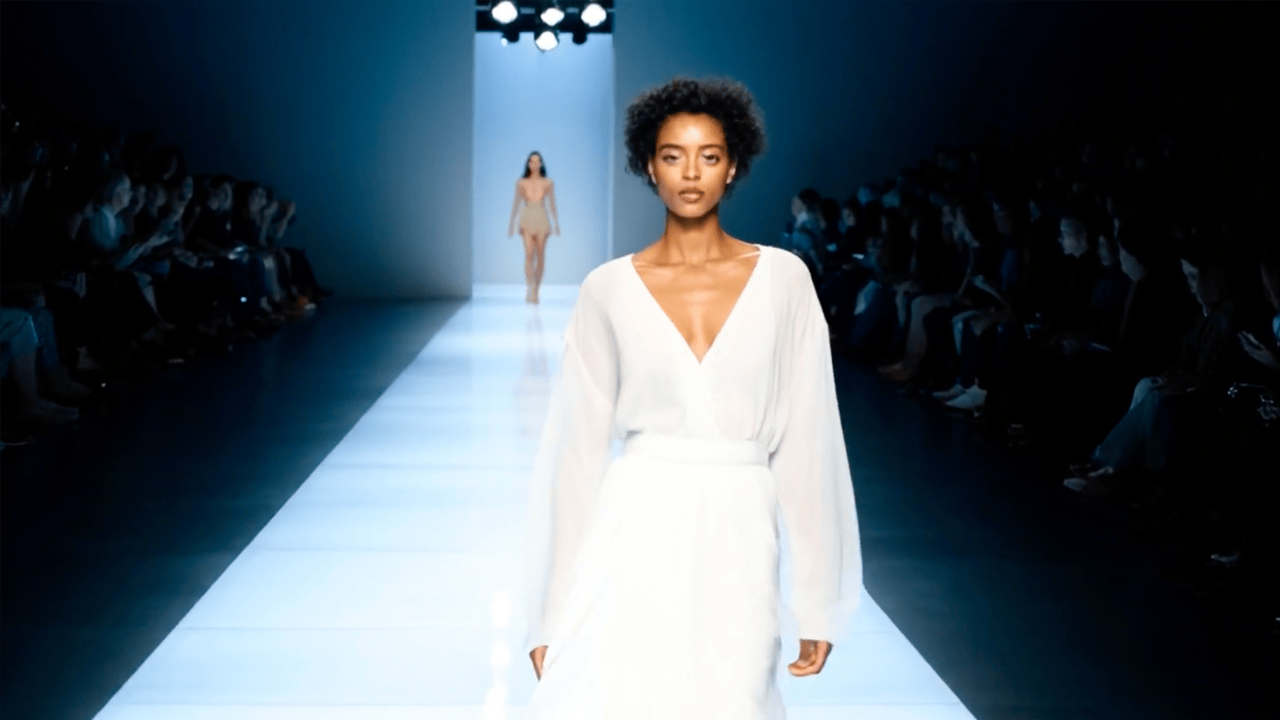 Try the image-to-video tool
What Photo-to-Video AI Means in Real Content Work
In simple terms, photo-to-video AI turns one still image into a short moving clip. The source image can be a product photo, portrait, artwork, campaign banner, event shot, social post image, or brand visual.
However, the value is not movement by itself. A useful animated image should help a visual asset perform a clearer job. It may stop the scroll, introduce a launch, make a product image feel more premium, or create a short teaser from an existing photo.
Therefore, the best question is not only “Can this image move?” The better question is “Will this motion make the image easier to notice, understand, or reuse?” If the answer is yes, still image animation can save production time and extend the value of existing creative work.
A Simple Way to Judge the Use Case
Photo animation sits between static image design and full video production. Static images are fast but can feel flat in motion-first feeds. Full video can be powerful, yet it often needs planning, shooting, editing, and more production time.
By contrast, image-to-video starts from material that already exists. It works best when a team has strong images, a clear content purpose, and a need for more flexible motion assets.
Best Use Cases for Creators
Creators often produce more still images than finished videos. A photoshoot, artwork batch, travel archive, food image, product styling session, or behind-the-scenes set can contain many useful visuals. Yet most social platforms now reward motion, especially in short-form feeds.
Because of that, still image animation works well when the goal is to create more creator video assets from existing visual material. The key is to keep each clip focused. One image, one subject, and one motion purpose usually produce a cleaner result.
Social clips from strong still images
First, social clips are the most direct use case. A travel image can gain depth with a slow camera glide. A fashion image can feel more editorial with a smooth push-in. A food image can feel warmer with light atmosphere and gentle movement.
Still, social motion should not feel random. A calm visual account may need slower movement. A bold short-form account may use faster pacing. An educational page may need stable framing so labels or key details remain readable.
Portfolio teasers and personal brand visuals
Next, photo animation can help portfolio work feel more polished. Designers can animate poster mockups. Photographers can turn portraits into cinematic intros. Illustrators can add subtle movement to finished artwork.
However, portfolio clips should enhance the original work, not hide it. A simple camera move, soft parallax effect, or controlled reveal usually looks more professional than heavy motion effects.
Best Use Cases for Marketing Visuals
Marketing content often needs many versions of the same idea. One campaign may need a landing page visual, social teaser, paid creative test, email header, and short launch clip. Photo animation can help turn one strong visual direction into several usable motion assets.
Even so, every animated marketing visual needs a clear job. Motion should guide attention toward the product, offer, message, or mood. If the movement distracts from the main point, the animation may reduce clarity instead of improving it.
Campaign teasers
A campaign hero image can become a teaser video. A launch graphic, event poster, product image, or seasonal banner can gain a slow reveal, depth shift, or cinematic push. This makes the campaign feel active without requiring a full video shoot.
Moreover, animated teasers help keep campaign identity consistent. The same hero visual can support social posts, website sections, and short ad tests. As a result, the campaign feels connected across channels.
Product and ecommerce visuals
Product content often starts with photography. A good product image can show shape, color, material, packaging, and mood. However, social feeds and campaign pages often need more movement than a static product image can provide.
For product pages, the safest motion is usually a locked camera, soft light movement, or a slow push-in. Avoid movement that changes label shape, package edges, material texture, logo clarity, or visible product proportions.
Therefore, AI photo animation can work well for product reveals, collection teasers, seasonal launches, and product education clips. The most important rule is accuracy. Product shape, logo, color, packaging, and visible details should remain stable.
For this workflow, the image-to-video tool is the most relevant next step because it starts with an existing still image and turns it into a short AI video.
Use Case by Channel
Different channels need different kinds of motion. A social post needs a fast visual hook. A landing page needs calm support. A product page needs accuracy. The table below keeps the choice simple.
| Channel | Best image type | Suggested clip style | Best next step |
|---|---|---|---|
| Social media | Portrait, travel, food, fashion, artwork | Short hook, slow push, light atmosphere | Create AI video from image |
| Landing page | Hero visual, product scene, SaaS screenshot | Subtle loop, stable framing, soft motion | Turn one photo into video |
| Launch image, seasonal banner, product teaser | Clear first frame, simple movement | Review pricing and credits | |
| Paid ads | Product image, lifestyle image, benefit graphic | Fast opening, readable subject, low distraction | Explore AI video effects |
| Product page | Clean product shot, packaging image, close-up | Locked camera, slow reveal, stable details | Create product motion |
| Portfolio | Portrait, artwork, design mockup, case image | Polished intro, soft parallax, controlled reveal | Refine image before motion |
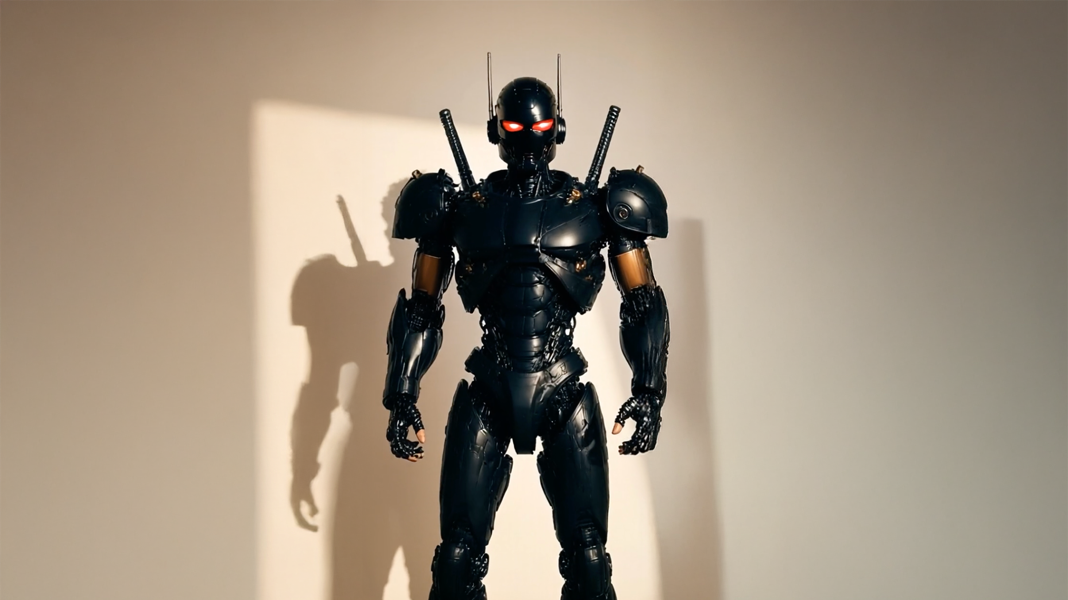 Explore video effects
Before You Generate: Quick Quality Checklist
A better final clip usually starts before generation. The image should be clear, the subject should be easy to identify, and the motion should have one purpose. This short checklist helps avoid weak results.
Check these six points first
- Image clarity: avoid blurry photos, noisy crops, and low-resolution screenshots.
- Clear subject: choose one main object, person, scene, or message.
- Text visibility: keep titles, labels, and product copy easy to read.
- Product accuracy: protect logo, shape, color, material, and packaging details.
- Face stability: use gentle motion when a portrait or person is important.
- Commercial placement: review clips more carefully before using them on ads, product pages, or launch pages.
A Practical Workflow from Photo to Published Video
A clear workflow prevents random results. First, define the use case. Then choose the image. After that, decide the motion role, generate the clip, review the result, and adapt it for the final channel.
- Define the placement. Choose social post, ad test, product page, landing page, email, or portfolio before generation.
- Pick one strong image. Select a visual with a clear subject, clean composition, and useful mood.
- Set one motion goal. Decide whether the clip should reveal, emphasize, add depth, or create atmosphere.
- Generate and review. Check unstable edges, distorted details, unreadable text, or unnatural movement.
- Adapt for each channel. Prepare the right crop, aspect ratio, first frame, duration, and CTA placement.
If an image needs cleanup or a different visual direction before animation, AI image editing can help prepare a cleaner source image. For larger content calendars, pricing and credits should be reviewed before scaling output volume.
Common Mistakes That Make Photo Animation Look Weak
Low-quality photo animation usually happens when motion is added without a content reason. The clip may look active, but the message becomes weaker. Therefore, the review stage should focus on usefulness, not only visual excitement.
- Animating a weak image: blurry photos, messy backgrounds, and unclear subjects often become worse in motion.
- Using motion without a goal: movement should support attention, mood, product focus, or explanation.
- Hiding key information: text, labels, product details, and important visuals must stay readable.
- Over-stylizing products: product-led content needs accuracy before spectacle.
- Skipping final review: artifacts, unstable subject edges, and unnatural movement should be checked before publishing.
Create Photo Videos with a Clear Use Case
Start with the image-to-video workflow when the goal is a short clip from one photo. Use effects only when the base motion already looks clean, stable, and useful for the channel.
The strongest results start with one clear image, one channel, and one motion goal. Vidnix AI can help turn still images into short AI videos for creator clips, campaign visuals, product reveals, and social media content planning.
FAQ
What is the best use of AI photo animation?
The best use is turning a strong still image into a short motion asset with a clear purpose. Common examples include creator videos, campaign teasers, product reveals, portfolio intros, and landing page visuals.
Can one photo become a useful marketing video?
Yes. One strong photo can become a useful marketing video when the subject is clear and the motion supports one message. It works well for launch teasers, social posts, product clips, and early ad tests.
Is AI photo animation useful for product visuals?
Yes, it can help product images feel more active in social feeds, campaign pages, and launch assets. However, product accuracy must stay stable. Shape, color, logo, packaging, and visible details should not be distorted.
Should every still image be animated?
No. Some visuals work better as static images, especially charts, dense graphics, technical screenshots, and detailed comparison tables. Motion should be used only when it improves attention, mood, or explanation.
How can an animated photo avoid looking artificial?
Start with a high-quality image, use controlled motion, avoid excessive effects, and review the final clip before publishing. Stable subjects, readable text, and consistent details make the result look more polished.
Final Takeaway
In summary, AI photo animation works best when it starts with a real content need. It can help creators refresh strong images, help marketing teams test visual ideas, and help product content feel more active. Still, motion should always support the message.
For a practical start, choose one strong image, select one channel, and define one motion goal. Then use photo to video ai free as the entry point for creating creator video assets, marketing visual tests, and focused photo animation use cases.
- Start with one clear image and one simple motion goal.
- Match the motion style to the channel before generating the clip.
- Review product details, text, faces, and overall clarity before publishing.