
Image to Video AI Free for TikTok and Reels
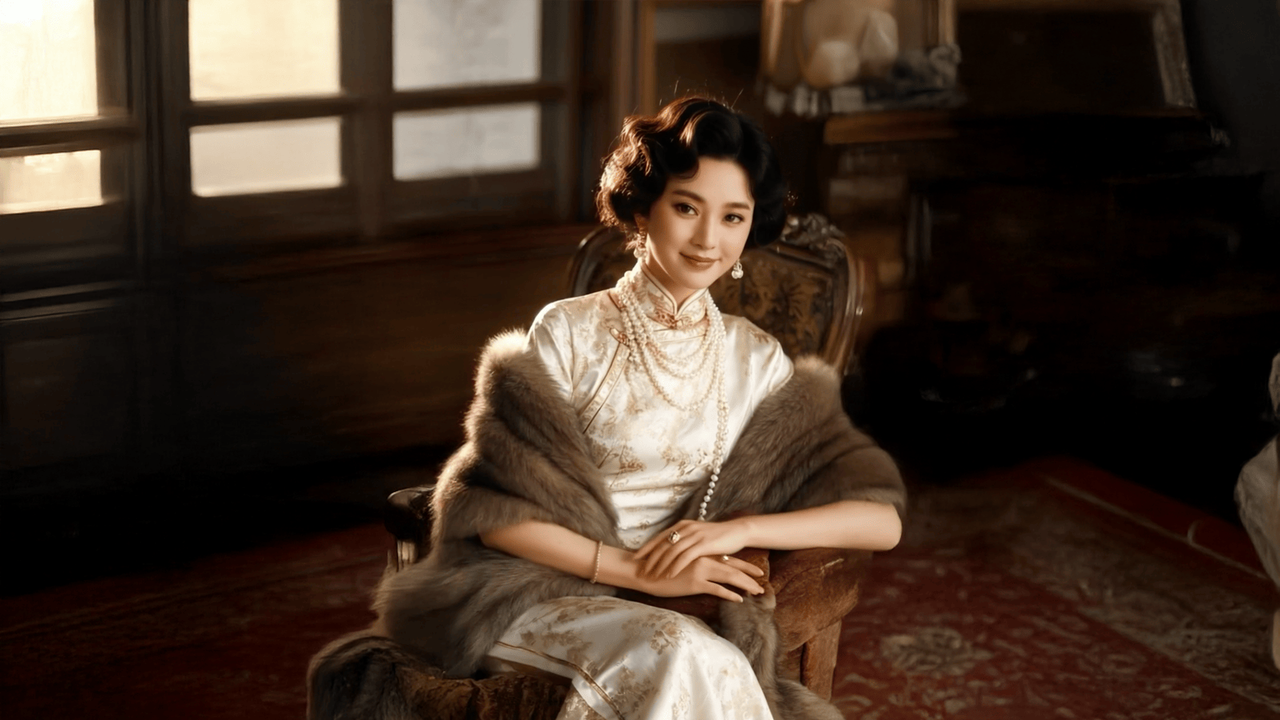
Short-form social content does not always need a full shoot, a large editing timeline, or a complex campaign board. Instead, one strong image can become a useful motion clip when the idea, prompt, platform format, and posting goal are clear. This guide focuses on practical TikTok image to video and Instagram Reels photo animation workflows, with short video prompts, scene ideas, review tips, and publishing checks that make still assets feel more alive in a fast social feed.
Why One Still Image Can Work So Well in Short-Form Feeds
First, short-form platforms reward movement because the feed itself is always moving. A static photo may look polished, yet it can feel quiet beside fast edits, creator reactions, product reveals, and trend clips. Therefore, controlled motion gives the image a better chance to earn attention without changing the original idea.
However, useful motion does not need to be dramatic. A slow camera push, a soft light shift, a product reflection, or a moving background can be enough. In many cases, subtle animation feels more premium because the subject stays clear.
For TikTok image to video posts, motion often supports the hook. A product photo can become a reveal. A portrait can become an intro. A graphic can become a moving announcement. Meanwhile, the caption can carry the message while the clip creates the scroll stop.
For Instagram Reels photo animation, motion often supports the mood. A lifestyle image can feel warmer, a product scene can feel cleaner, and an event still can feel more present. As a result, the same asset can appear more native to a social feed.
In addition, this format helps creative teams reuse strong visuals. A campaign photo, product shot, event image, or profile portrait can become several short clips. Instead of starting every post from zero, the existing asset becomes a flexible base.
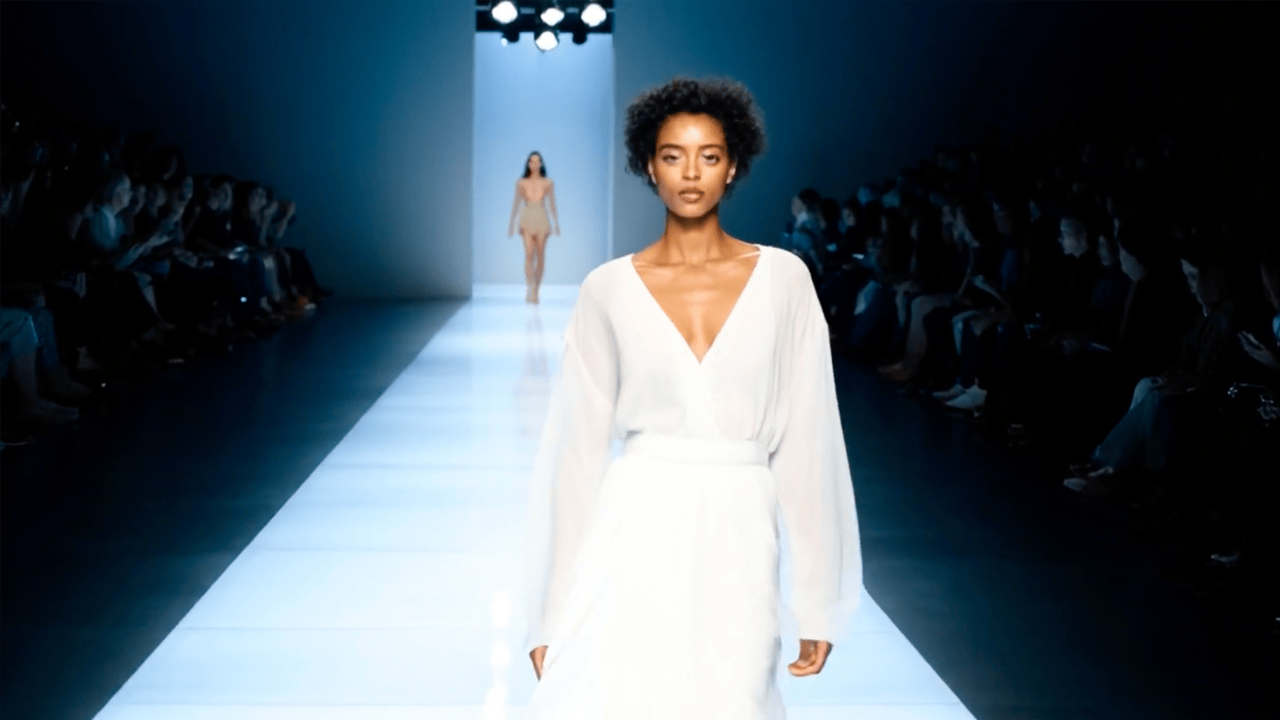
Start with a clear visual subject, then add controlled motion for a short social clip.
The Best Social Use Cases for Photo-to-Video Clips
Before writing a prompt, the post needs a purpose. Otherwise, the animation may look attractive but feel disconnected from the message. Therefore, the strongest workflow begins with a simple decision: what should the viewer notice first?
A short social clip should usually do one job. It may introduce a product, make a portrait feel active, tease a launch, recap an event, refresh a graphic, or support a caption. Once the job is clear, the motion becomes easier to control.
1. Product Teasers
Product teasers work well when the source image already has a clean subject. For example, a bottle, device, shoe, bag, app mockup, food package, or beauty item can become a short reveal. Meanwhile, the motion can highlight shape, texture, light, or packaging.
However, product clips need stability. The prompt should protect logos, labels, colors, and product shape. A smooth camera push or gentle rotation often works better than dramatic transformation because the asset still needs to look reliable.
2. Creator Portrait Intros
Portrait intros help a profile post feel less static. A still headshot can become a short intro with a slow push-in, soft background motion, or gentle light change. As a result, the image feels more personal without requiring a new video recording.
Still, restraint matters. The prompt should keep facial features natural and avoid exaggerated expression changes. In many portrait clips, camera movement is safer than asking the person in the image to perform complex action.
3. Event Recaps
Event recaps often begin with strong stills. A stage photo, booth image, panel shot, workshop moment, or group image can gain energy through light movement and camera panning. Therefore, an event image can feel closer to a memory than a static archive.
However, event motion should remain believable. The aim is not to invent a different scene. Instead, the clip should revive the captured moment through atmosphere, framing, and subtle movement.
4. Lifestyle Scenes
Lifestyle photos can become strong social clips because they already suggest a mood. A desk scene can feel like a work routine. A coffee image can feel like a morning moment. A room photo can feel warm through shifting light.
Meanwhile, this use case works especially well for Instagram Reels photo animation. Smooth movement, soft shadows, and natural atmosphere can make a visual feel polished. The clip can then support a caption, launch note, or brand story.
5. Graphic Posts and Quote Cards
Not every post starts with a photo. A quote card, launch graphic, event poster, tutorial cover, or announcement image can also become a short clip. In this case, background movement and light sweeps can add motion while the message remains readable.
However, text protection is essential. The prompt should ask for stable, sharp, readable text. If the animation distorts the message, the clip loses its purpose.
A Practical Workflow for Turning One Photo into a Social Clip
A good workflow reduces guessing. Instead of testing random motion ideas, the process should move from asset selection to platform framing. Therefore, each step below keeps the clip focused on TikTok, Reels, and short social publishing.
Step 1: Pick an Image with One Clear Focus
First, the image should have a clear subject. A product in the center, a clean portrait, a strong room scene, or a simple graphic usually works better than a crowded frame. Because short-form viewers scan quickly, the main object should be easy to understand.
In addition, the image should already match the content goal. If the post is about a product detail, the photo should show that detail clearly. If the post is about mood, the image should already carry the right feeling.
Step 2: Decide the Platform Format Before Prompting
Next, the format matters. TikTok and Reels usually favor vertical framing, so the subject should have enough space around it. Meanwhile, captions, buttons, icons, and interface overlays can cover parts of the frame.
TikTok’s own creative best-practice guidance recommends vertical 9:16 content, enough resolution, visible content within the UI safe zone, a hook in the first few seconds, and a clear call to action. Therefore, a generated social clip should be checked not only for motion quality, but also for crop, first-frame clarity, and message space.
For more platform context, review TikTok’s official creative best practices. The guidance is written for performance ads, but the same ideas are useful for organic short clips: make the clip fit the platform, keep the subject visible, and guide the next action clearly.
Step 3: Choose One Main Motion
Then, choose one primary movement. A slow zoom, gentle pan, product reveal, camera glide, background drift, light sweep, or soft rotation can be enough. Too many movements can make the clip feel noisy.
For social clips, one motion idea usually performs better than a complicated sequence. The viewer should understand the visual before the clip ends. Therefore, the motion should help the subject stand out, not compete with it.
Step 4: Write a Short Prompt with a Stability Note
After that, the prompt should describe the subject, motion, mood, scene detail, and social purpose. A stability note should also protect important elements. For example, product shape, face structure, text, logo, and interface details should remain stable.
A clear prompt might say, “Slow camera push toward the product, soft studio light, subtle background glow, short TikTok teaser, keep label and shape stable.” This gives direction without overloading the generation.
Step 5: Review the Clip Like a Social Post
Finally, the clip should be reviewed inside the intended social context. The main subject should be clear in the first second. The motion should feel intentional. The frame should leave enough space for caption text and platform overlays.
In addition, the clip should loop smoothly when possible. Short loops often feel natural in social feeds. If the ending feels abrupt, a simpler motion direction may work better in the next variation.
A Short Video Prompt System That Feels Natural
Short video prompts should not read like technical manuals. Instead, they should describe a compact moment with clear visual direction. As a result, the output has a better chance of feeling natural and publishable.
A practical prompt formula is simple: subject, motion, mood, scene detail, platform goal, and stability note. Each part gives the AI a useful signal. Together, they keep the clip focused.
The Clean Product Prompt
For a product photo, the prompt should create movement without changing the item. A useful version is: “Slow camera push toward the product, soft studio reflection, minimal background glow, short Reels teaser, keep label and shape stable.”
This prompt works because it gives one main motion and one clear protection rule. Meanwhile, it avoids broad phrases like “make it viral,” which do not tell the system what to animate.
The Creator Intro Prompt
For a portrait, the prompt should keep the person natural. A useful version is: “Gentle cinematic push-in on the portrait, soft background movement, calm creator intro, keep facial features realistic and stable.”
This works well for profile posts, podcast visuals, newsletter teasers, and personal brand updates. However, it should not ask for complex facial performance. Subtle motion usually feels more credible.
The Lifestyle Mood Prompt
For lifestyle images, the prompt should add atmosphere. A strong version is: “Slow camera drift through the scene, warm natural light shifting across the background, cozy Reels mood, keep objects in their original positions.”
This approach fits home scenes, desk setups, travel images, food photos, and wellness visuals. In addition, it creates emotion without forcing the subject to perform an unnatural action.
TikTok Image to Video Ideas with More Posting Context
TikTok often rewards direct visual hooks. Therefore, a photo-to-video clip should make the subject obvious fast. It can feel playful, energetic, or casual, but the opening frame still needs clarity.
In practice, TikTok image to video clips work best when they support a caption or trend format. The animation does not need to explain everything. Instead, it should create a visual moment that gives the caption more impact.
Idea 1: “From Static to Launch” Product Reveal
This idea starts with a clean product image. The animation uses a slow push-in, soft glow, or slight reveal. Meanwhile, the caption can announce a new drop, feature, update, or limited campaign.
Example prompt: “Slow camera push toward the product, soft studio light, subtle reveal energy, short TikTok launch teaser, keep product shape and label stable.” This keeps the clip focused and avoids unnecessary scene changes.
Idea 2: “A Day in One Frame” Lifestyle Clip
This idea turns a lifestyle photo into a tiny scene. A desk image can become a productivity moment. A gym bag can become a training setup. A café photo can become a morning routine.
Example prompt: “Gentle camera drift across the desk setup, soft morning light moving, focused work mood, short TikTok scene, keep objects in place.” The result can support a short caption, list, or routine post.
Idea 3: “Before the Caption Lands” Hook Clip
This idea uses the clip as the visual hook before the caption explains the point. For example, a product photo can move first, then the caption can say what changed, why it matters, or what comes next.
Example prompt: “Fast but smooth camera move toward the subject, light background energy, attention-grabbing TikTok opener, keep the main object clear.” This works when the post needs a stronger first second.
Instagram Reels Photo Animation Ideas That Feel Polished
Instagram Reels often benefits from smooth composition and a cleaner visual rhythm. Therefore, photo animation for Reels should usually feel intentional, polished, and easy to watch. Subtle motion can be more effective than busy effects.
In addition, Reels can support stronger visual identity. A consistent style across product clips, portrait intros, lifestyle scenes, and quote cards can make a profile feel more cohesive. The prompt system helps maintain that consistency.
Idea 1: Smooth Product Detail Reel
This clip begins with a close product image. The motion can be a slow camera glide, subtle reflection, or soft light movement. Meanwhile, the caption can explain one feature, material, benefit, or use case.
Example prompt: “Close camera glide across the product surface, soft reflection movement, premium studio mood, Instagram Reel detail shot, keep logo and label readable.” The result should feel clean rather than loud.
Idea 2: Lifestyle Atmosphere Reel
This idea turns a lifestyle photo into a mood piece. A home interior can gain daylight movement. A travel image can gain moving clouds. A food photo can gain steam or warm light.
Example prompt: “Gentle camera drift through the scene, warm light shifting naturally, calm lifestyle mood, short Instagram Reel, keep the original layout unchanged.” This style works well for brand storytelling.
Idea 3: Quote Card with Motion
Quote cards and short announcements can feel more alive with a moving background. However, the text must stay readable. Therefore, the motion should happen behind the message, not across it.
Example prompt: “Subtle animated glow behind the quote, slow gradient movement, calm inspiring mood, keep every word sharp and fully readable.” This gives the post motion without weakening the message.
A Simple Five-Day Plan from Existing Images
A weekly plan makes the workflow more useful. Instead of creating isolated animations, each photo can support a specific posting role. As a result, the feed feels varied while the production process stays simple.
Additionally, each clip can receive a different caption style. A teaser can use a short benefit line. A portrait intro can introduce a topic. A lifestyle clip can create atmosphere. A graphic clip can guide attention toward a launch or reminder.
How to Keep Generated Social Clips Natural
Natural motion usually comes from restraint. Although AI can create dramatic scenes, short social clips often work better when they look believable. Therefore, the prompt should avoid too many instructions competing at once.
First, the main subject should remain stable. Product shape, package text, faces, clothing details, and graphic text all need protection. A prompt can clearly say that these details should stay unchanged.
Second, camera movement is usually safer than complex object movement. A push-in, pan, glide, or pullback can add motion without warping the subject. In contrast, asking a still object to perform too much action may create artifacts.
Third, environmental movement can add life. Moving light, steam, clouds, reflections, shadows, or background blur can make a scene feel active. However, these details should support the subject, not distract from it.
Final Publishing Checklist for Social Clips
Before a generated clip goes live, the review should be practical. The animation may look exciting, but it still needs to work inside a feed. Therefore, the checklist below focuses on clarity, platform fit, and reuse.
- The first frame is clear: The main subject should be easy to understand immediately.
- The motion has one job: The clip should reveal, highlight, introduce, or add atmosphere.
- Important details stay stable: Text, faces, product shape, logos, and interface details should not drift.
- The crop fits the platform: The subject should not sit too close to the edge.
- The caption has room: The visual should leave space for the message and social interface.
- The loop feels smooth: A clean ending helps the clip replay naturally.
- The tone matches the page: Motion should feel aligned with the broader visual identity.
For a faster creative path, Vidnix can help teams create AI video from image with a clear prompt and social output goal. The strongest results still come from a focused source image and a practical motion direction.
For teams testing different styles, video effects can support creative variations. However, effects should enhance a clear idea rather than replace it.
Extended Reading for Better Social Clip Planning
For a more complete workflow, these internal pages can support production planning, creative testing, and usage decisions. Each link fits the same short-form video creation path.
FAQ
Can one photo really become a useful TikTok or Reel?
Yes, one strong photo can become a useful short clip when the motion idea is focused. The image should have a clear subject, and the prompt should describe one main movement. As a result, the post can feel active without requiring a full video shoot.
What makes a short video prompt work better?
A better prompt describes the subject, motion, mood, scene detail, platform goal, and stability note. For example, it can ask for a slow product reveal, soft studio light, and stable label text. This gives the generation a clear direction.
Should TikTok and Reels use the same prompt?
Not always. TikTok can often support faster, more direct hooks, while Reels often benefits from smoother and more polished movement. Therefore, the same image can produce two versions with different motion styles.
How can product images stay accurate during animation?
Product images need a stability note inside the prompt. The prompt can ask to keep product shape, color, label, logo, and packaging unchanged. In addition, simple camera movement is usually safer than complex product movement.
What is the safest motion style for a first test?
A slow push-in or gentle camera drift is usually a safe first test. These movements add energy without changing the subject too much. After that, additional versions can test light, background movement, or a stronger reveal.
Create a Social Clip from One Existing Image
Overall, short social clips work best when the source image, prompt, and platform goal point in the same direction. First, choose one clear image. Next, define the post purpose. Then, write a short prompt with one main motion and a stability note. Finally, review the clip for crop, caption space, loop quality, and subject clarity.
- Start with a focused image: A clean subject makes the first second stronger.
- Use one motion idea: A simple reveal, push-in, glide, or light shift often works best.
- Review like a viewer: The clip should be clear, readable, and ready for a fast feed.
For the next post, open image to video ai free, select a strong photo, and create a social clip with a clear prompt built for TikTok or Reels.