
Image Animation Prompt Templates for Short Clips
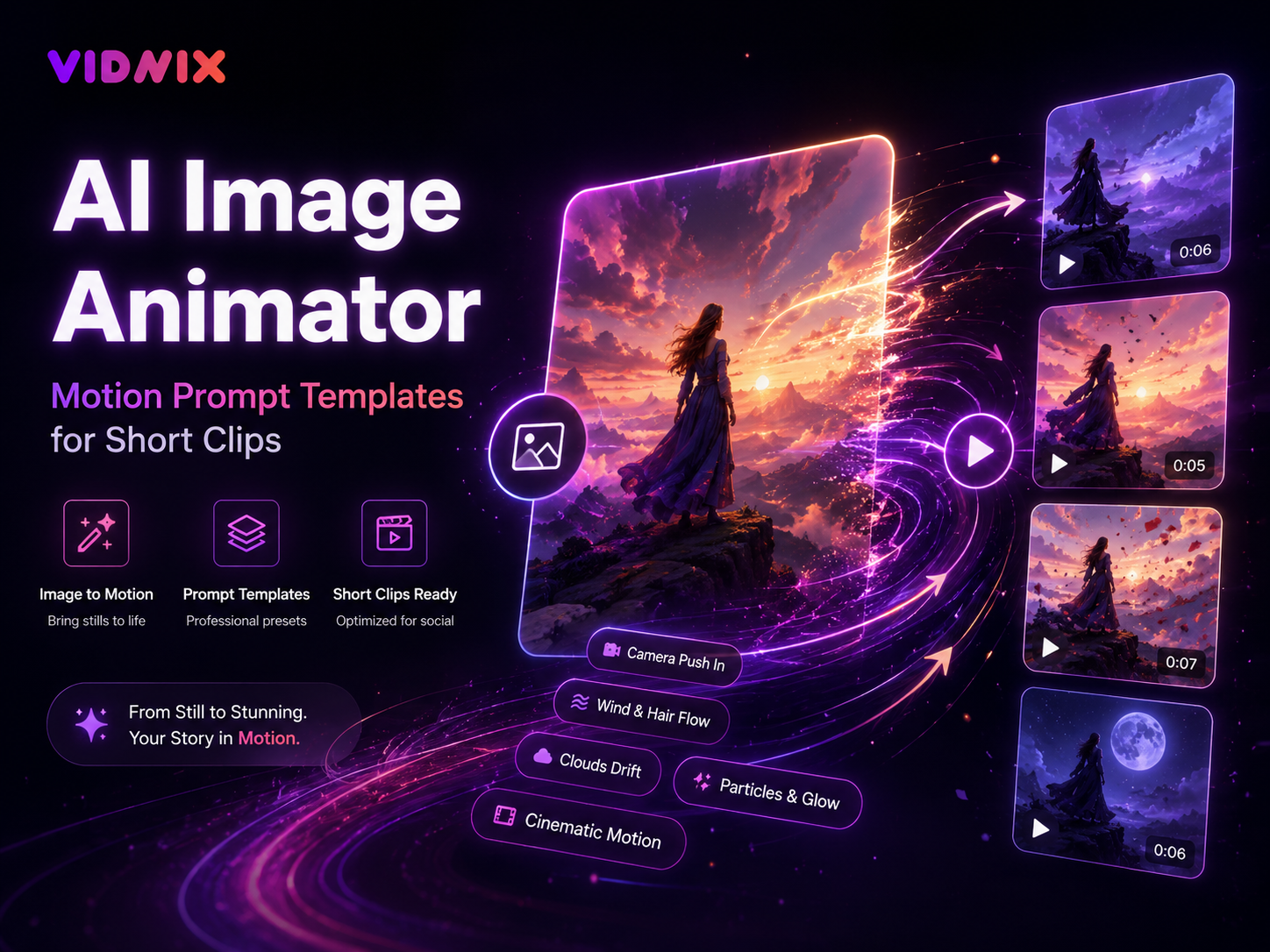
Copy-ready motion templates for turning still images into short clips, product teasers, social posts, launch visuals, story loops, and lightweight ad creatives without writing a long video script.
First, a still image does not always need a complex video concept. Often, it only needs one focused motion idea, one clean camera move, and one mood direction. A practical ai image animator workflow helps turn a static visual into a short clip while keeping the prompt easy to copy and reuse.
However, weak motion prompts often ask for too much at once. The camera moves, the subject moves, the background changes, and the lighting shifts in the same request. As a result, the clip can feel noisy instead of useful.
Therefore, this guide focuses only on motion prompt templates. It gives ready-to-copy structures for creators, marketing teams, ecommerce visuals, small business content, product launches, short-form posts, and brand campaigns.
The Simple Motion Prompt Formula
First, a strong motion prompt should tell the model what moves and what stays stable. This sounds simple, yet it solves many common image animation problems. The best structure includes the subject, camera movement, motion detail, mood, and final use case.
In practice, the formula can stay short. Use one camera move, one motion layer, and one style cue. Then add a stability rule to protect the original image.
Reusable structure: Animate this image into a short clip. Use [camera movement]. Add [motion detail]. Keep [important element] stable. Maintain the original style. Create a [mood] clip for [use case].
Prompt Slots That Matter
- Subject: product, portrait, package, poster, food photo, artwork, interior scene, fashion look, or brand graphic.
- Camera movement: slow push-in, gentle zoom, pull-back, side pan, vertical tilt, orbit, parallax, or handheld drift.
- Motion detail: light sweep, fabric movement, steam, cloud drift, shadow shift, sparkle, soft glow, or water ripple.
- Stability rule: keep faces, logos, text, product shape, color, and layout consistent.
- Use case: Reel opener, story loop, product teaser, launch post, landing page clip, or paid social test.
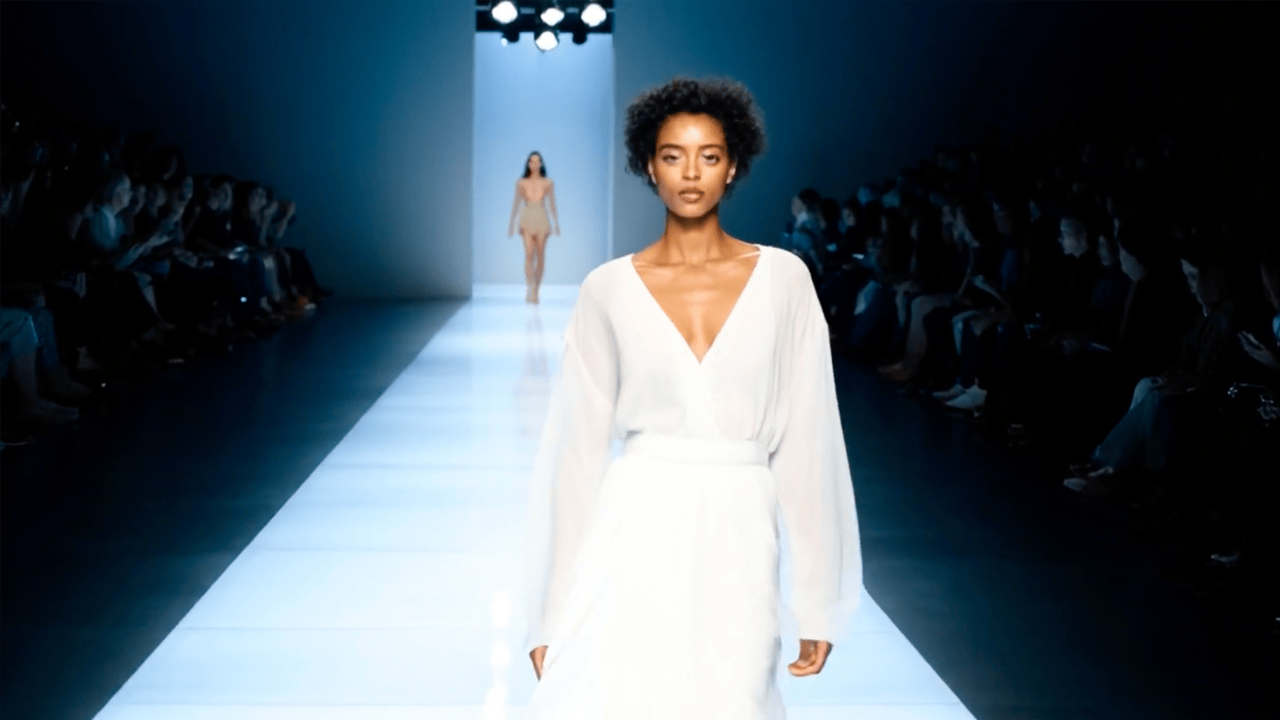
Use a ready visual effect direction when a still image needs fast motion testing.
Product Clip Templates for Clear Visual Motion
First, product clips should help the viewer understand the item quickly. A good prompt keeps the product shape, label, material, color, and important details stable. Meanwhile, the motion adds energy around the product instead of changing it.
Additionally, product visuals often need a controlled center. A slow camera move, soft reflection, and subtle background depth can make a still image feel premium without turning it into a distracting scene.
Template 1: Clean Product Push-In
Animate this product image into a short social clip. Use a slow camera push-in toward the product. Add a soft light reflection across the surface. Keep the background stable with slight depth movement. Maintain the original product shape and color. Create a clean product reveal.
Therefore, this template fits product cards, ecommerce previews, launch posts, and short ad creatives. The motion creates focus while the product remains clear.
Template 2: Packaging Detail Reveal
Turn this packaging image into a short clip. Use a smooth side pan across the label, logo, or main package detail. Add subtle shadow movement around the package. Keep all text readable and stable. Create a polished detail reveal for a social product post.
Meanwhile, this prompt works well for boxes, bottles, bags, labels, and product bundles. The pan guides attention across the design without changing the package structure.
Template 3: Product Hero Loop
Animate this hero product image as a seamless short loop. Use a very slow camera orbit around the product. Add soft studio lighting movement and slight background depth. Keep the product centered, sharp, and visually consistent. Create a premium hero clip.
However, this template needs a clean central subject. If the image is flat or text-heavy, a soft push-in may work better than orbit motion.
Template 4: Feature Spotlight
Animate this image with focus on the main feature area. Use a slow camera push toward the feature. Add subtle light movement that highlights texture and detail. Keep all other motion minimal. Create a focused product feature clip for social media.
For example, this prompt can highlight texture, a screen, a material finish, a logo area, a button, or a shape detail. In addition, it avoids trying to show every feature at once.
Template 5: Seasonal Product Mood
Animate this seasonal product image into a short social video. Use a slow push-in with gentle background motion. Add small seasonal details such as drifting petals, warm light, floating dust, or light snow. Keep the product unchanged. Create a calm campaign mood.
As a result, the clip gains atmosphere without hiding the main product. This approach fits holiday posts, seasonal collections, new drops, and limited campaign visuals.
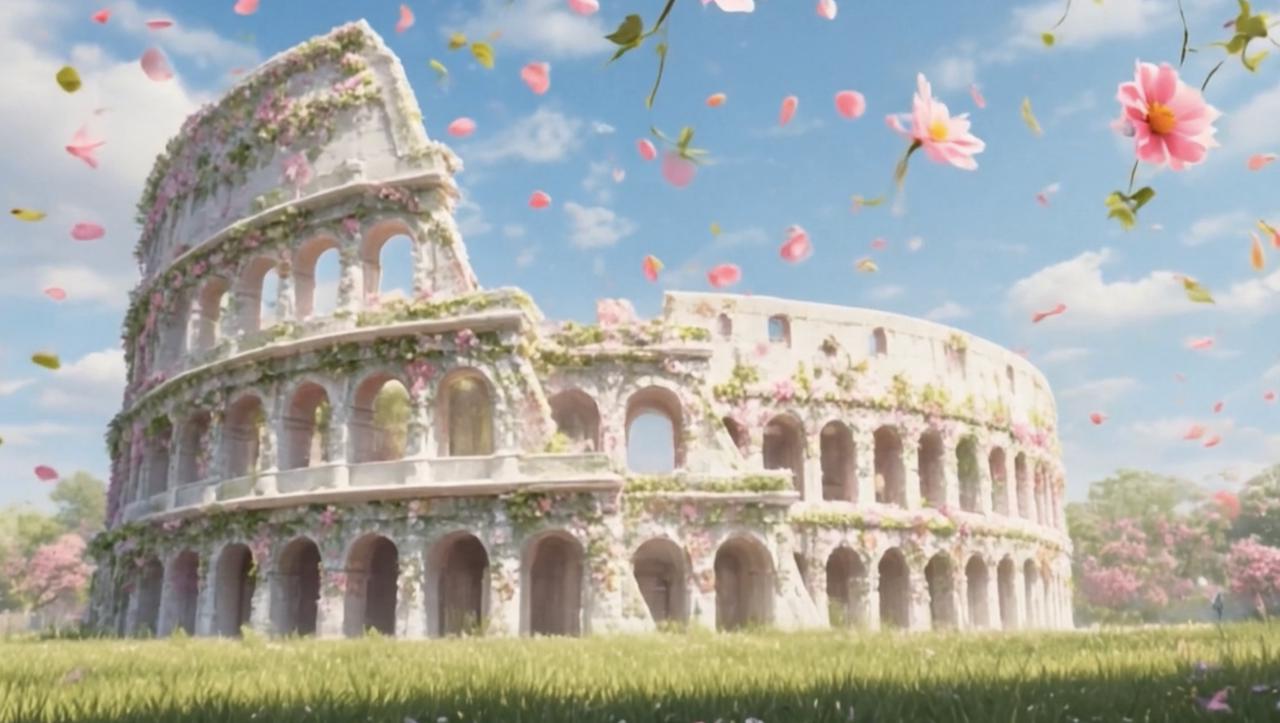
Upload a still image, add a motion prompt, and test a short clip direction.
Camera Movement Templates That Make Still Images Feel Alive
First, camera movement defines the rhythm of the clip. A push-in feels focused. A pull-back feels revealing. A pan feels observational. An orbit feels polished. Meanwhile, handheld drift feels more casual and social-native.
Therefore, choose the camera move before writing the rest of the prompt. Once the movement is clear, the motion detail and mood become easier to control.
Template 11: Slow Push-In
Animate this image with a slow camera push-in toward the main subject. Add subtle depth movement in the background. Keep the subject stable, sharp, and true to the original image. Create a focused short clip with a clean social media style.
Template 12: Gentle Pull-Back
Animate this image with a gentle camera pull-back. Start close to the main subject and slowly reveal more of the surrounding scene. Add soft background motion and stable lighting. Keep all important details clear. Create a smooth reveal clip.
Template 13: Side Pan
Animate this image with a slow side pan from left to right. Keep the main subject in focus as the frame moves. Add slight parallax depth between foreground and background. Maintain the original color and composition. Create a clean motion post for social media.
Template 14: Soft Parallax
Animate this image with soft parallax depth. Separate foreground, subject, and background with very subtle movement. Keep the original style and composition intact. Create a smooth short loop with cinematic depth.
Template 15: Handheld Drift
Animate this image with a very light handheld camera drift. Add natural lighting movement and slight background depth. Keep the subject stable and realistic. Create a casual short clip that feels native to social media.
Prompt Templates by Visual Style
Next, motion should match the image style. A clean interface graphic should not move like a dramatic movie poster. A warm lifestyle photo should not feel like a luxury studio ad. Therefore, the prompt should name the style clearly.
However, style words should stay limited. One style direction is enough for most short clips. Too many style cues can make the result feel unfocused.
Premium Studio Style
Animate this image in a premium studio style. Use a slow camera push-in, soft reflections, and controlled background depth. Keep the subject centered, accurate, and sharp. Create a refined short clip for a polished brand post.
Minimal Modern Style
Animate this image in a minimal modern style. Use a very subtle zoom and clean light movement. Keep the background simple and uncluttered. Maintain the original colors and layout. Create a calm short clip for a clean social post.
Warm Lifestyle Style
Animate this image in a warm lifestyle style. Use gentle handheld drift, soft light movement, and slight background motion. Keep the main subject natural and stable. Create a friendly short clip for social media.
Cinematic Poster Style
Animate this image in a cinematic poster style. Use slow parallax, controlled camera movement, and soft atmospheric light. Keep the original composition and style intact. Create a dramatic short loop for a teaser post.
Clean Educational Style
Animate this image in a clean educational style. Use a slow pan or zoom that guides attention to the main concept. Keep text readable and motion minimal. Add subtle background depth only. Create a clear short clip for an explainer post.
A Quick Checklist Before Scaling Prompt Tests
First, every prompt should pass a quick clarity check. The check does not need to become a full production workflow. It only needs to confirm that the motion idea is focused and the important visual details stay protected.
Additionally, prompt testing becomes easier when only one part changes at a time. One version can change the camera move. Another version can change the motion detail. A third version can change the mood.
- The main subject is named clearly.
- The camera movement is specific and simple.
- Only one or two motion details are added.
- Important text stays readable and stable.
- Faces, logos, and product shapes stay consistent.
- The background motion supports the subject.
- The mood matches the source image.
- The clip purpose is clear.
- The prompt uses common words instead of vague hype.
Common Prompt Fixes
If the clip feels too busy, reduce the prompt to one camera move and one motion layer. For example, “slow push-in with soft light movement” is cleaner than asking for zooming, spinning, background changes, and dramatic shadows in one clip.
If the clip feels too still, add one controlled movement detail. Steam, fabric motion, drifting light, water movement, or soft parallax can give the image life. However, the main subject should remain stable.
If text becomes hard to read, simplify all motion around the text area. Add a direct line such as “keep all text readable and stable.” Then let the background or light move instead.
If a product changes shape, add a stronger stability rule. For example, the prompt can say “keep the product shape, logo, color, and proportions unchanged.” This direct wording helps protect product identity.
Before scaling a larger creative batch, review pricing and credits so prompt testing stays planned and controlled.
Best Fit for These Content Scenarios
Overall, these templates fit teams and creators who already have usable still images but need motion versions for short-form channels. They are especially useful when the goal is to test ideas quickly before building a larger video plan.
- Product images that need short teaser clips.
- Social posts that need motion without a full shoot.
- Launch visuals that need clean first-second movement.
- Story backgrounds that need subtle loop motion.
- Landing page sections that need lightweight visual energy.
- Creative tests that compare camera moves, moods, and motion details.
FAQ About Motion Prompt Templates
Finally, these answers cover common questions about writing reusable prompts for still-image animation and short social clips.
Copy, Test, Refine
Turn One Still Image into a Focused Short Clip
In summary, a strong short clip starts with one clear motion idea. A product image may need a slow push-in. A lifestyle scene may need handheld drift. A poster may need soft parallax. Meanwhile, a story background may need a seamless loop with enough clean space for text.
- First, choose one image and match it with one use case.
- Next, copy one template and replace the subject, camera move, and mood.
- Finally, create two or three variations and keep the clearest motion direction.
For teams ready to test short clips from still visuals, ai image animator templates make prompt testing faster, cleaner, and easier to repeat.
Social Video Templates for Fast Short-Form Posts
Next, social video templates need to match the feed. A Reel opener may need a stronger first-second move. A story background should stay calm. A landing page micro video should stay clear. Therefore, the same image may need different motion depending on placement.
At the same time, social clips still need visual discipline. Quick motion does not mean chaotic motion. The strongest short clips usually use one camera move and one supporting motion layer.
Template 6: Reel Opener
Animate this image as a short Reel opener. Use a quick but smooth push-in toward the main subject. Add subtle background depth and clean lighting movement. Keep the subject clear within the vertical frame. Create an attention-friendly opening clip.
Template 7: Story Background Loop
Animate this image as a calm story background loop. Use minimal camera movement, soft parallax, and gentle light shifts. Keep the main area clean for text overlay. Create a smooth background clip for a social story.
Template 8: Short Video Hook
Animate this image into a short hook. Use a fast opening push-in, then settle into a steady frame on the main subject. Add subtle background motion and keep the visual clean. Create a clear first moment for a short video.
Template 9: Launch Countdown Visual
Turn this launch visual into a short teaser clip. Use a smooth zoom with subtle background motion. Add a soft glow around the headline or main product area. Keep text readable and stable. Create an energetic countdown mood.
Template 10: Paid Social Test Clip
Create a short paid social test clip from this image. Use a clear first-second camera move, such as a quick push-in or side pan. Add subtle background depth and a clean subject focus. Keep the message visually simple and easy to scan.