
Animate Image AI: Simple Workflow for Social Videos
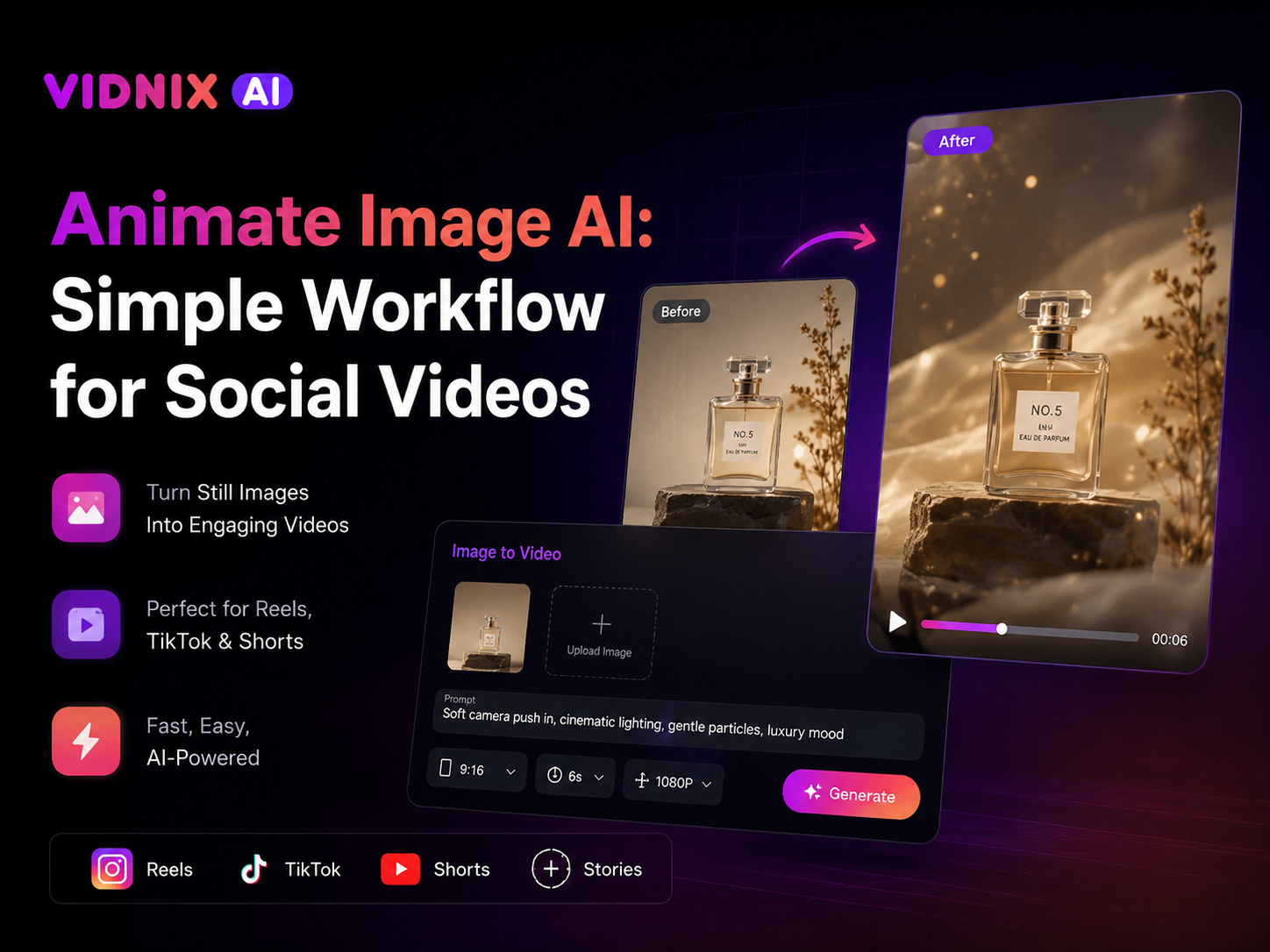
First, a strong social video does not always need a new shoot or a long editing timeline. A clear still image can become a short-form clip when the motion, caption, and next step all support one idea. For creators, social teams, ecommerce brands, and small businesses, animate image ai can help turn existing visuals into reels, TikTok image animation, stories, Shorts, and campaign posts without making production feel heavy.
However, motion should never be added only because it is possible. Instead, the animation should make the image easier to notice, easier to understand, and easier to act on. Therefore, this guide follows a simple workflow: choose the right image, define one social goal, write a clean prompt, generate a short video, review it for mobile viewing, and publish with a clear CTA.
Why Still Images Work Well for Social Videos
To begin with, still images already carry a clear visual idea. A product photo, campaign graphic, artwork, menu shot, portrait, course slide, or event poster can show the subject immediately. Then, light motion can add rhythm without changing the original message.
Also, social feeds move quickly. A static post can disappear in a fast scroll, while a short animated clip gives the eye something simple to follow. As a result, one strong image can feel more alive on reels, TikTok, Shorts, and stories.
In practice, this workflow is useful when a team already has good visuals but not enough video footage. A still campaign image can become a launch reel. A product photo can become a short showcase. A poster can become a reminder story. Therefore, existing assets can support more social media videos with less production pressure.
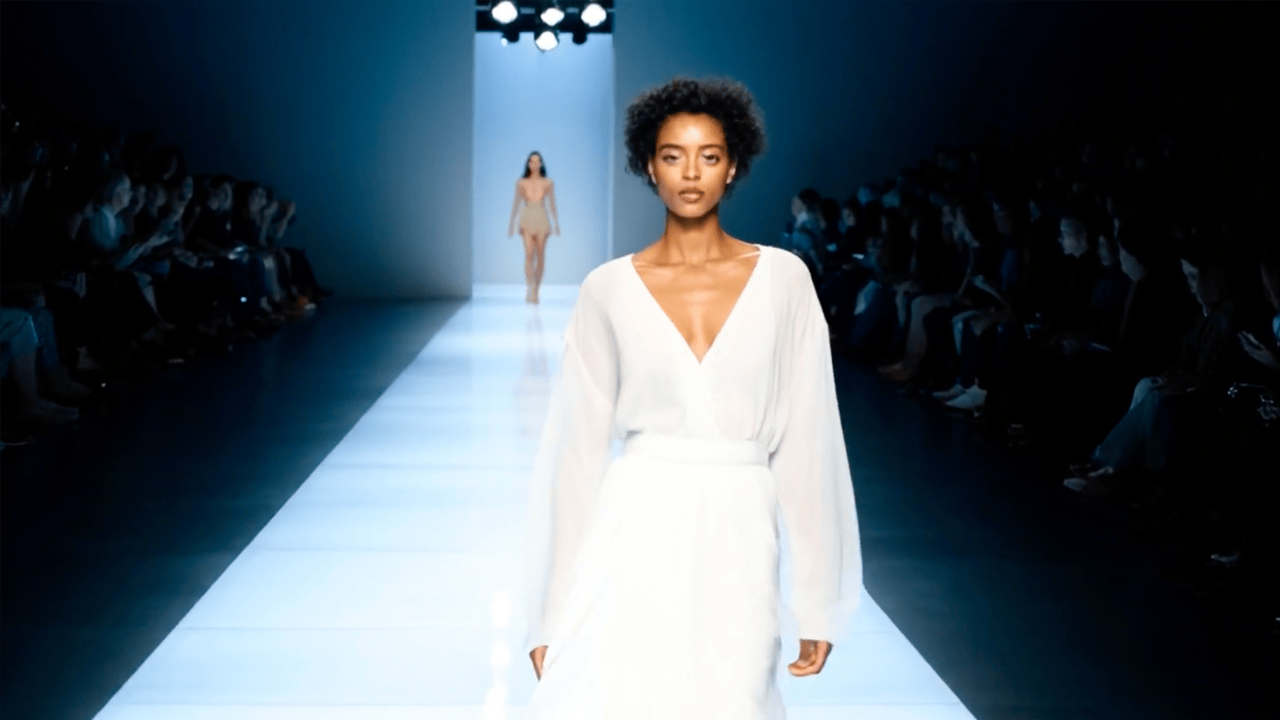
Image and button both open the Image to Video product page.
A Simple Workflow Before Generating the Clip
1. Define One Social Goal
First, every short video needs one job. It may introduce a product, tease a launch, announce an event, show a benefit, or turn a still visual into a reminder. However, one clip should not try to do all of those things at once.
For example, a launch reel may only need to make a product image feel fresh. Meanwhile, a TikTok image animation post may only need to turn one photo into a quick story hook. Therefore, the goal should fit into one short sentence before the image moves.
2. Choose an Image With a Clear Subject
Next, image choice matters more than many teams expect. A crowded image can confuse the final clip because the viewer may not know where to look. By contrast, a clear subject gives the motion a natural center.
For social media videos, a strong source image usually has clean lighting, visible edges, enough space around the subject, and a background that supports the message. If the image already feels messy, animation may make the problem more obvious.
3. Prepare the Frame for Mobile Viewing
After that, the image should fit the final placement. Vertical formats usually work best for reels, Shorts, stories, and TikTok because most viewing happens on phones. Therefore, a 9:16 crop is often the safest starting point.
However, the subject should not sit too close to the edges. Platform icons, captions, profile details, and action buttons can cover important areas. For extra confidence, TikTok’s official ad guidance explains safe zones for in-feed placements, and Meta also provides guidance for text overlays in Reels and Stories ads. See TikTok safe zone guidance and Meta safe zone guidance for official references.
4. Plan the First Three Seconds
Then, the opening moment needs a clear visual promise. Social posts often win or lose attention early. Therefore, the first few seconds should show what the clip is about without asking the viewer to work hard.
For instance, a product image can start with a clean reveal. A food image can open with texture and warmth. A course graphic can guide attention toward one useful tip. Meanwhile, a creator post can use subtle movement to make a still image feel more personal.
Prompt Structure for Better Social Clips
Now, the prompt should describe the intended video in plain language. It does not need to sound technical. In fact, a simple prompt often works better because it gives clearer direction and creates fewer mixed signals.
A practical prompt can include the subject, purpose, mood, motion, format, and ending. For example, a product reel may need a polished and minimal tone. Meanwhile, a creator story may need a warm and casual tone.
For example, a clean product prompt can say: “Turn this product photo into a short vertical social video with a polished new-arrival feel. Keep the product clear and stable, add subtle movement around the scene, and leave space for a short caption.”
However, prompt writing should avoid vague words. Phrases like “make it amazing” or “make it viral” do not explain the visual direction. Instead, the prompt should describe what the viewer should see and what the clip should help communicate.
Recommended Vidnix Workflow for Social Teams
Once the image and prompt are ready, the generation step should stay simple. Vidnix can help teams use an image-to-video tool to upload a still image, guide motion with a prompt, and create a short clip for social publishing.
Meanwhile, the first version should be treated as a draft. It does not need to be the final post immediately. Instead, it shows whether the image, message, movement, and platform format work together.
- For reels: start with a strong vertical crop, keep the subject centered, and use a clean benefit caption.
- For TikTok image animation: add a simple hook, keep the motion direct, and let the caption carry the story angle.
- For product posts: keep the product shape and color stable, then add motion around the presentation.
- For weekly social content: batch a small set of images, test different prompts, and publish the clearest clips.
- For regular production: review pricing and credits before generating many drafts.
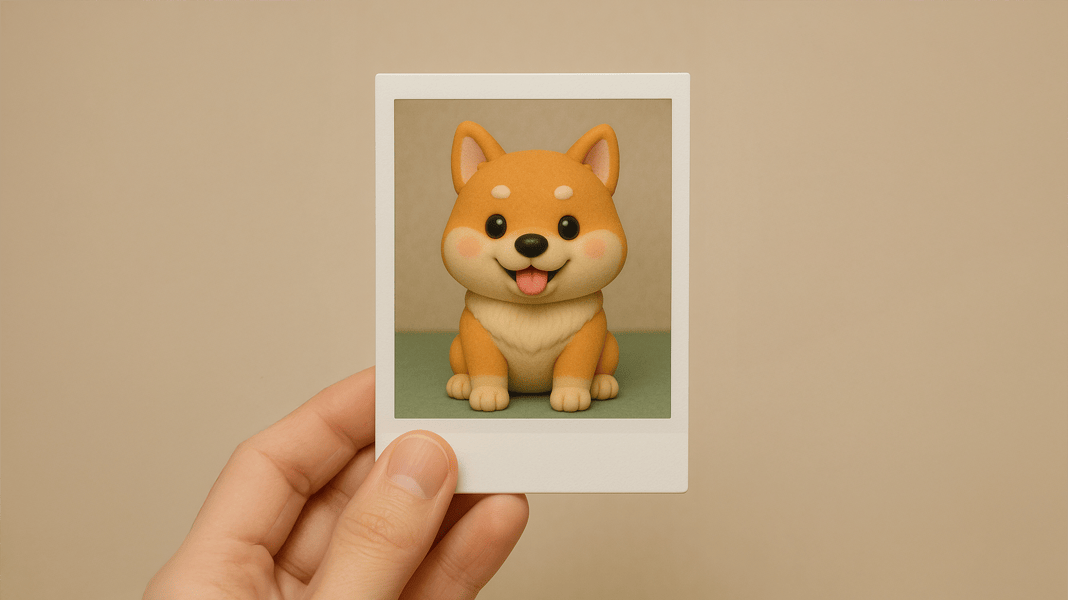
This image and button both lead to the main Image to Video workflow.
Best Fit: Who This Workflow Helps Most
This workflow is a strong fit for teams that already have visual assets but need more short-form output. It works especially well when the goal is to make social videos from product photos, campaign images, lifestyle visuals, event graphics, or educational slides.
For creators, one portrait or artwork can become a story-led reel. For ecommerce brands, one product image can become a launch teaser. For small businesses, a menu photo, service image, or event poster can become a quick reminder. For social teams, a small asset folder can become a repeatable weekly content batch.
At the same time, this workflow is not meant to replace every type of video production. Complex demos, long tutorials, interviews, and detailed explainers may still need filming or deeper editing. Instead, image animation works best for fast visual posts, social hooks, short reminders, and lightweight campaign assets.
Practical Social Video Scenarios
Product Teasers
First, product teasers are one of the easiest use cases. A clean product image can become a launch clip, seasonal preview, gift guide asset, or new-arrival reel. Therefore, an existing photo library can support more motion content without starting over.
Announcement Reels
Next, announcement reels work well when the source image already has a clear message. A workshop poster, webinar cover, product drop graphic, or event visual can feel more active when it becomes a short moving post.
Educational Micro-Content
Another strong use case is educational micro-content. A chart, checklist, framework, or slide can become a short moving explainer. However, educational posts must remain readable, so the source image should stay simple.
Brand Mood Posts
Finally, not every social post needs to explain a feature. Some clips exist to build mood, rhythm, and familiarity. A lifestyle image, packaging shot, workspace photo, or editorial graphic can become a short brand moment.
Publishing Checklist Before Going Live
After generation, the review stage should stay strict but simple. A clip may look attractive and still fail as a social post. Therefore, each video should pass a few practical checks before it moves into the content calendar.
- Opening: the first moment should show the subject or promise clearly.
- Subject: the main image should stay easy to understand.
- Motion: movement should support the message, not distract from it.
- Crop: the frame should work on mobile screens.
- Caption space: important areas should not sit under platform UI.
- Next step: the post should guide one simple action.
Additionally, a silent-watch test helps. Many social posts appear without sound at first. Therefore, the video and caption should make sense even before audio plays.
Finally, the clip should be reviewed at phone size. A video can look strong on a desktop screen and still feel crowded on a mobile feed. For that reason, mobile review should happen before publishing.
Common Mistakes That Make Image Animation Feel Weak
Starting With a Weak Image
First, a weak image usually becomes a weak video. Animation cannot fully repair poor lighting, unclear subjects, low resolution, or confusing composition. Therefore, source selection deserves real attention.
Asking for Too Many Ideas
Next, overloading the prompt can damage the result. A short social clip works best when one visual idea leads the viewer. However, too many effects, moods, and actions can make the clip feel unstable.
Ignoring Caption Space
Also, social videos rarely live without captions, hooks, stickers, or interface elements. If the subject fills every corner, the final post may become hard to use. Therefore, visual breathing room matters.
Treating Every Platform the Same
Another common issue is posting the same file everywhere without adjustment. The clip may still work, but the caption and format can feel slightly off. As a result, platform-specific edits can improve the final post.
Where Effects and Credits Fit Into the Workflow
Sometimes, a simple image-to-video clip is enough. Other times, a social post needs an extra creative layer. In those cases, teams can explore AI video effects after the core message is already clear.
However, effects should not replace the idea. A social video still needs a subject, purpose, and platform fit. Therefore, effects work best as finishing touches, not as the whole strategy.
Also, planning credits matters when image animation becomes part of a regular calendar. Before batching many drafts, the pricing page helps teams understand how testing and publishing fit the production plan.
Related Vidnix Workflows
Image to VideoUpload one image, write a motion prompt, and create a short social clip from a still visual. Open Image to Video |
Video EffectsAdd a creative finishing layer when the main image, message, and platform format are already clear. Explore Video Effects |
Pricing and CreditsPlan testing, batching, and publishing work with a clearer view of available plans and credits. Review Pricing |
FAQ
Can one image really work as a social video?
Yes. One strong image can support a short social video when the subject, crop, motion, and caption all point to the same message. However, the source image should be clear before animation starts.
What images work best for reels?
Reels work well with product shots, lifestyle photos, portraits, event visuals, simple graphics, artwork, and educational images. Vertical or easy-to-crop images usually work best for mobile viewing.
How should a prompt be written for TikTok image animation?
The prompt should describe the subject, mood, motion, and format in plain language. Then, the caption should add a hook or story angle so the post feels native to the feed.
Does every animated image need on-screen text?
No. Some clips work with caption text only. However, many short-form posts benefit from a short hook, label, or CTA. Therefore, the frame should leave space when text is needed.
When should video effects be added?
Effects work best after the core clip already has a clear purpose. First, confirm the image, message, motion, and platform format. Then, add effects only when they improve mood or clarity.
Conclusion: Make Still Images Work Harder on Social
In short, still images can become useful social assets when the workflow is clear. Start with one goal, choose a strong image, prepare the frame for mobile viewing, write a focused prompt, review the first draft, and publish with a direct caption. With animate image ai, existing visuals can become reels, TikTok clips, Shorts, stories, product teasers, and campaign posts without turning every update into a full production.
- First, build a small image library: group visuals by launches, tips, announcements, stories, and seasonal posts.
- Next, use repeatable prompt templates: keep the subject, purpose, mood, motion, format, and ending clear.
- Finally, publish with one clear CTA: match the next step to the post, such as save, explore, learn more, or check details.