
AI Video Generator From Image for Storytelling Scenes
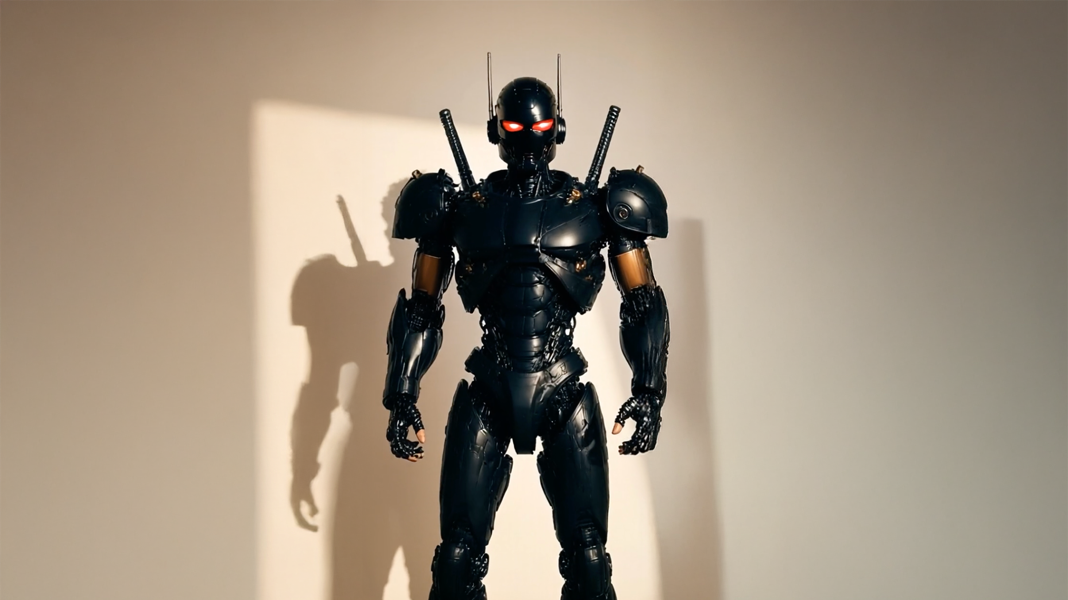
A strong still image can already suggest a world, a mood, or a character moment. However, a storytelling scene needs more than movement. It needs a clear scene prompt, cinematic image animation, and a calm workflow that turns one frame into a short visual moment with purpose.
For creators, marketers, social media teams, small business teams, and ecommerce content teams, visual storytelling often starts with a single asset. A product photo, portrait, campaign image, concept artwork, or lifestyle still may already contain the first beat of a story.
Therefore, the creative task is not simply to animate the image. The task is to give the image a direction. An ai video generator from image can support that process when the still frame has a clear subject, a focused mood, and a scene prompt that explains what should move.
However, the best short scenes do not feel random. Instead, they feel directed. The camera moves for a reason, the light changes with restraint, and the final frame leaves a clean impression.
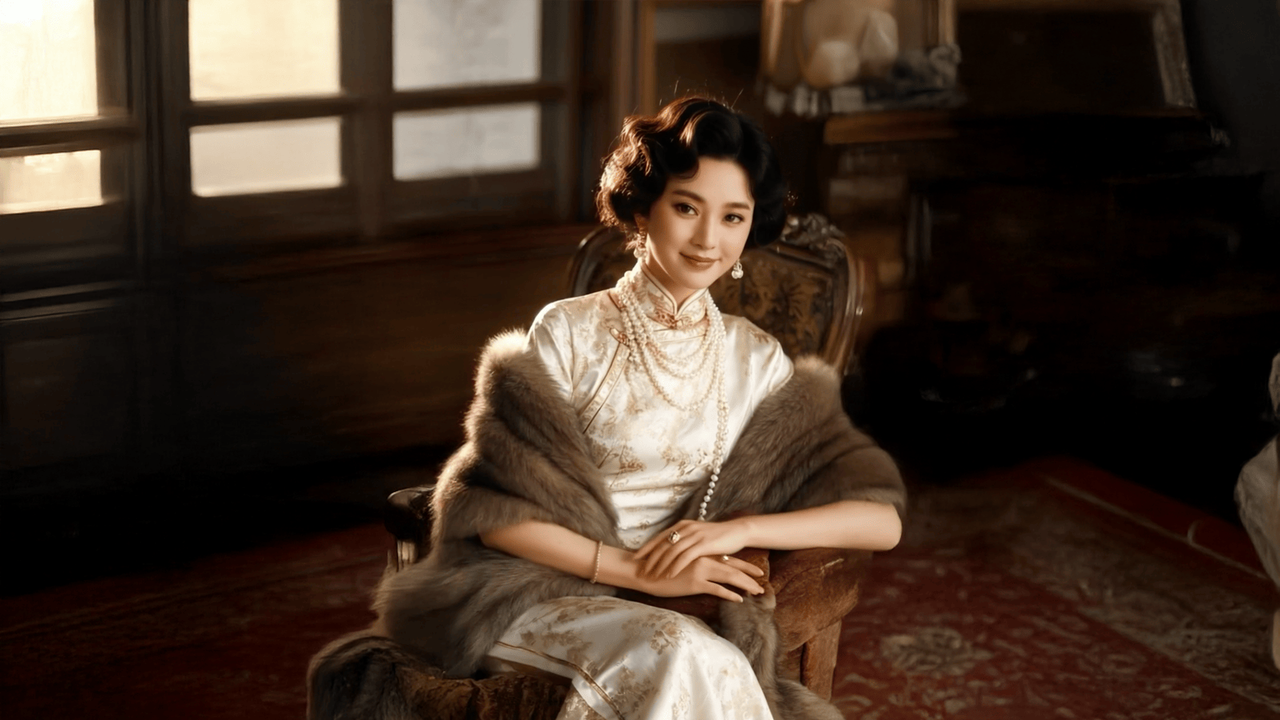
A still frame can become a scene when camera motion, lighting, and atmosphere support the same story beat.
Why Storytelling Scenes Work Better Than Random Motion
Motion alone can make a still image feel alive. However, storytelling motion makes the image feel intentional. A slow push-in can suggest memory. Moving rain can suggest waiting. A warm light shift can suggest a calm morning.
In other words, the scene needs a small visual reason to exist. A viewer does not need a full plot. Still, the clip should show a moment that feels like it started before the frame and continues after it.
This is why cinematic image animation works well for story scenes. It lets one image carry atmosphere, pacing, and emotional direction. As a result, a short clip can support social posts, creative teasers, product mood visuals, portfolio pieces, and campaign storyboards without becoming a generic video effect.
A Strong Scene Usually Has Four Parts
- A clear subject that the viewer can understand quickly.
- A mood that matches the image and the content goal.
- A controlled camera movement, such as a slow push, pan, or pullback.
- A subtle environmental motion, such as light, steam, rain, fog, fabric, or reflections.
Start With an Image That Can Hold a Scene
First, the source image should already suggest a moment. A portrait with soft window light, a product placed in a lifestyle setting, or a landscape with open depth gives the animation more to work with.
Meanwhile, a crowded frame may create confusion. Dense backgrounds, tiny text, complex hands, and unclear subjects can make the scene harder to control. Therefore, a clean image with strong composition often creates a better starting point.
For ecommerce content, the product should remain visually stable. For character scenes, the face and pose should be readable. For social media scenes, the subject should stay clear even on a smaller screen.
Write a Scene Prompt Like a Short Direction Note
A scene prompt should not feel like a long script. Instead, it should read like a concise visual direction. The prompt tells the system what the subject is, how the camera moves, what the environment does, and what mood the scene should carry.
For example, “make it cinematic” sounds stylish but gives little direction. A stronger prompt says, “slow camera push toward the subject, soft morning light moving across the room, gentle dust particles, quiet reflective mood.”
This wording gives each part of the scene a job. The subject creates focus. The camera guides attention. The environment adds life. The mood keeps the movement aligned with the story.
Simple Scene Prompt Formula
Subject + camera motion + environmental motion + mood + visual style
- Portrait near a window, slow camera push-in, rain moving outside, soft reflections, quiet cinematic mood.
- Handmade cup on a wooden table, gentle camera drift, steam rising, warm morning light, calm routine mood.
- City skyline at dusk, slow pullback, lights starting to glow, clouds moving softly, cinematic evening atmosphere.
- Product remains stable in the center, soft light shift, subtle background motion, premium realistic mood.
A Practical Workflow for Turning One Image Into a Story
A repeatable workflow helps teams avoid random outputs. First, the image gets selected for clarity and mood. Next, the scene idea becomes one sentence. Then, the prompt adds camera motion, atmosphere, and pacing.
After the first result, revision should stay controlled. One change at a time gives better feedback than rewriting the whole prompt. For example, adjust camera motion first, then lighting, then background details.
- Choose one still image with a clear subject and strong mood.
- Write one sentence that explains the story moment.
- Pick one camera movement, such as push-in, pan, pullback, or slight drift.
- Add one or two believable environmental motions.
- Write a short scene prompt using visual details.
- Generate the first short clip and review the subject stability.
- Revise one prompt element at a time until the scene feels focused.
This process keeps the creative work manageable. Moreover, it builds a prompt library that can guide future scene ideas, content calendars, and visual series.
When a short scene needs more breathing room, the same mood and subject direction should continue into the next beat.
Storytelling Scene Examples for Different Creative Needs
Different content goals need different prompt choices. However, the same basic structure still applies. The image needs a subject, a mood, a motion plan, and a clean ending frame.
Below are practical scene directions that can guide creators, social teams, marketers, ecommerce content teams, and small business teams without turning the article into a generic tool list.
Creator Scene
A character portrait can become a short intro scene. For example, a person standing under a blue streetlight can move through a slow camera push, soft rain, and a reflective expression. As a result, the frame feels like the opening beat of a larger story.
Social Media Scene
A still workspace image can become a calm social clip. For example, a notebook beside a coffee cup can use rising steam, warm light, and a gentle camera drift. The clip can work silently because the scene communicates mood through motion.
Ecommerce Scene
A product image should protect the product shape and key visual details. Therefore, the surrounding environment should carry most of the motion. Soft reflections, slow camera movement, and subtle light changes can create atmosphere without making the product feel unstable.
Brand Mood Scene
A campaign still can become a short mood piece. For example, a studio desk scene can use a slow pan, soft daylight, and gentle screen glow. The result feels useful for a landing page hero, a teaser post, or a short visual opener.
Build a Small Prompt Library Instead of Starting Over Every Time
A prompt library makes the creative process faster. However, it should not be filled with vague style words only. Each saved prompt should include the image type, scene goal, camera movement, atmosphere, and review notes.
For example, a team can save one prompt pattern for calm lifestyle scenes, another for product texture scenes, and another for character mood scenes. Later, each pattern can be adapted without losing consistency.
This is especially useful for social media calendars. A single visual theme can produce several short scenes while keeping the same lighting mood, pace, and visual identity.
Review the First Output With Creative Judgment
The first output should be reviewed like a scene, not like a magic trick. First, check whether the main subject stays stable. Next, check whether the camera motion supports the mood. Then, review whether the final frame feels usable.
If the scene feels busy, reduce the number of moving elements. If it feels flat, add one subtle environmental detail. If the subject changes too much, make the prompt more specific and keep movement around the subject instead.
This review process keeps the workflow practical. Moreover, it helps teams build reusable creative rules instead of chasing random results.
Quick Review Checklist
- The main subject remains clear and recognizable.
- The camera movement matches the emotional tone.
- The environmental motion feels believable.
- The clip has a simple beginning, movement, and ending.
- The final frame can work as a loop point or thumbnail.
- The scene works even without sound.
FAQ
What is a scene prompt?
A scene prompt is a short visual direction for image animation. It describes the subject, camera movement, environmental motion, and mood. Therefore, it helps the video feel like a planned story beat instead of random motion.
What makes cinematic image animation feel natural?
Natural motion usually comes from restraint. A slow camera move, soft light shift, gentle fabric movement, rising steam, or moving rain often feels more believable than too many animated elements at once.
Can product images become storytelling scenes?
Yes. A product image can become a short scene when the product remains stable and the environment carries the motion. For example, light, reflections, steam, shadows, or background movement can add story context without changing the product itself.
How should a first image-to-video result be reviewed?
Start with subject stability. Then, check camera movement, atmosphere, scene logic, and the final frame. If the clip feels too busy, reduce motion. If it feels flat, add one subtle environmental detail.
When should a scene be extended?
A scene should be extended when the first clip already has a clear subject, mood, and motion direction. Extension works best as a continuation of a strong scene, not as a fix for an unclear first result.
Turn One Image Into a Story Scene
A still image can carry more than a single visual impression. With a clear scene prompt, it can become a short moment with mood, motion, and direction. The strongest results start with a good frame, a simple story beat, and controlled cinematic movement.
For a practical next step, start with one image, define the scene in one sentence, and use an ai video generator from image to turn image into story with focused, cinematic motion.
- First, select an image with one clear subject and a strong mood.
- Next, write a scene prompt with camera motion, atmosphere, and emotion.
- Finally, review the first clip and revise only one prompt element at a time.