
AI Photo to Video Generator for Real Estate Visuals
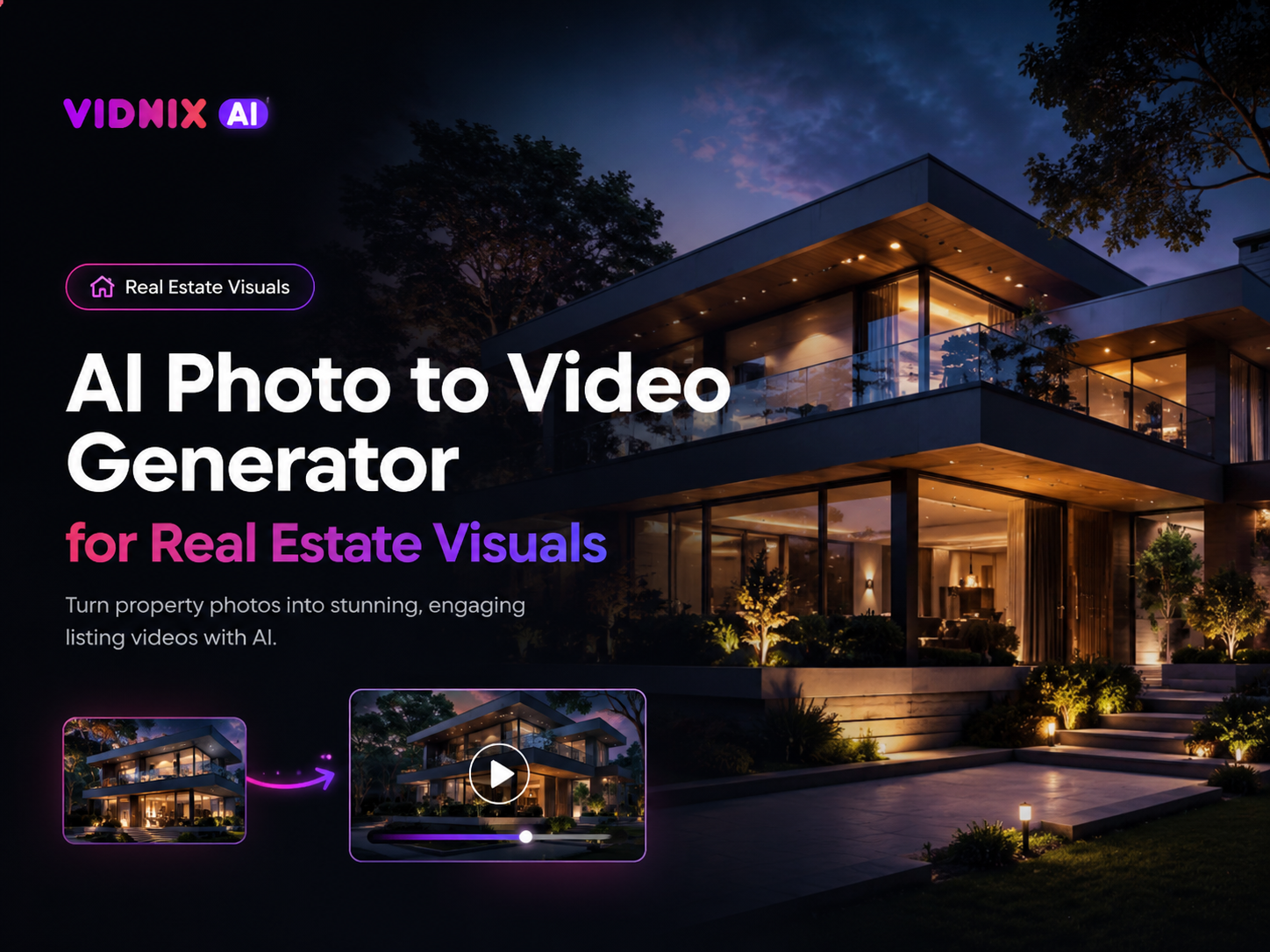
Real estate listing content often starts with strong photography. However, still images can feel too quiet for short-form feeds, landing pages, paid previews, and presentation decks. Therefore, an ai photo to video generator can help turn existing property photos into compact motion assets while keeping the visual story focused on the actual listing.
Why it works Best scenes Workflow Vidnix path Quality check FAQ

Turn Property Photos into Listing Videos
Upload one property image, add a natural motion prompt, and create a short visual asset for real estate listing pages, social posts, paid previews, and campaign decks.
Create listing videos from property photos
Why Listing Videos Matter for Real Estate Visuals
First, property discovery is visual before it becomes analytical. A still photo can show a facade, room, terrace, or view. However, a short listing video can guide attention through the same scene with pacing, movement, and atmosphere.
At the same time, full video production is not always practical. Many listing campaigns already have edited property photos but no matching video footage. Therefore, property photo animation can extend those images into new assets without starting from a blank timeline.
In addition, motion helps create order. A slow camera push can introduce an entrance. A soft pan can reveal a kitchen. A gentle drift can make a balcony or garden feel more present. As a result, one still image can become a focused real estate video scene.
However, real estate visuals must protect trust. A listing video should not invent rooms, hide visible details, or change the actual property story. For this reason, the safest approach is to use subtle motion that makes the photo easier to understand, not less accurate.
Moreover, this workflow fits commercial content needs. Listing pages, short social posts, campaign previews, email visuals, and property decks all need clear visual hooks. A compact motion asset can support these placements while keeping the original photography useful for longer.
Best Property Photos to Turn into Listing Videos
First, exterior photos often work well as opening scenes. A front facade, driveway, entrance, garden, or building elevation gives the listing immediate context. Moreover, a slow forward movement can create a natural arrival feeling.
Next, living rooms can carry the emotional tone of a home. A gentle zoom toward natural light, seating, or an open-plan area can make the room feel easier to read. Meanwhile, the motion should stay calm enough to preserve scale.
Kitchens are also strong candidates. Since counters, cabinets, lighting, and appliances contain many visual details, a soft pan can organize attention. However, reflective surfaces need careful review because strange highlights can reduce realism.
Outdoor lifestyle areas can become memorable clips as well. Terraces, balconies, pools, gardens, courtyards, and rooftop views already suggest atmosphere. Therefore, subtle motion can make those spaces feel more complete without over-styling the listing.
A Practical Workflow for Creating Listing Videos
First, define the role of the clip. A listing page hero needs a different image than a short paid preview. Therefore, the source photo should match the placement instead of simply looking attractive by itself.
Next, select one strong property photo. A clean exterior can introduce the listing. A bright living room can support emotional appeal. A terrace view can suggest lifestyle value. In each case, the image should already communicate one clear idea.
Then, use the image-to-video tool with a simple motion prompt. The prompt should describe one camera movement, one mood, and one realism guardrail. This keeps the final result easier to control.
After generation, review the output at both desktop and mobile size. Walls, windows, doors, furniture edges, floor lines, and reflections should stay believable. If the scene feels unstable, a softer prompt or cleaner photo usually helps.
- Step 1: Select a sharp listing photo with clear light, space, and purpose.
- Step 2: Match the format to the channel, such as horizontal, square, or vertical.
- Step 3: Use one natural motion direction, such as slow push, soft pan, or gentle drift.
- Step 4: Check architecture, lighting, and proportions before publishing.
- Step 5: Add a short caption and a clear next step when they improve the listing path.
Best starting point For a single listing image, start with Vidnix Image to Video. For a longer visual sequence, create the first clip first, then extend only when the listing message needs more time.
Prompt Direction for Real Estate Photo Animation
For real estate visuals, prompt direction should be specific but restrained. A useful prompt names the scene, describes the camera movement, and sets a realistic tone. Meanwhile, it avoids dramatic effects that may make the listing feel less credible.
For example, an exterior prompt can say: slow cinematic push toward the front entrance, natural daylight, stable architectural lines, no warped walls. This tells the tool how to move while protecting the property structure.
Similarly, a kitchen prompt can say: smooth left-to-right pan across counters and cabinets, realistic reflections, calm indoor light, no added objects. This keeps the clip focused on existing finishes rather than invented details.
In practice, one room, one movement, and one mood is enough. Long prompts with several camera moves can create visual confusion. Therefore, a compact prompt usually gives a cleaner listing video.
| Exterior prompt: slow push toward the entrance, realistic daylight, stable building lines, clean listing presentation. |
| Living room prompt: gentle camera move toward the windows, natural light, warm interior mood, stable furniture edges. |
| Balcony prompt: soft move toward the outdoor view, calm atmosphere, realistic perspective, no added skyline elements. |
Recommended Vidnix Path
For a one-off listing clip, start with one clear photo and create a short motion asset first. This is the most practical path for a listing hero, a social teaser, or a simple campaign preview.
For a multi-scene listing video, begin with an exterior opener. Then, add the main living area, one feature room, and one lifestyle scene. This structure creates a natural viewing path without turning the asset into a random slideshow.
For longer sequences, use extend a short property video only when extra duration helps the scene. Longer clips are useful when they support pacing, but they should not stretch a weak visual idea.
For campaign batches, review pricing and credits before planning volume. This keeps the listing workflow organized and prevents random clip production.
Suitable for These Real Estate Projects
This workflow fits listing projects that already have strong still images. It is especially useful when motion content is needed for multiple placements, but a new video shoot is not part of the content plan.
- Residential listing launch videos for property pages and social feeds.
- Short property teasers for paid previews and landing pages.
- Rental listing clips where speed and clarity matter.
- Premium property presentations using exterior, interior, and view photos.
- Social content calendars that need several versions from one photo set.
Quality Checklist Before Publishing
First, the source photo should be clean, sharp, and well framed. A weak image often becomes more noticeable after animation. Therefore, the best improvement may happen before generation begins.
Next, review geometry carefully. Walls, windows, cabinets, doors, and furniture lines should remain stable. If the video bends straight lines, the asset may feel unreliable in a listing environment.
Also, check lighting and reflections. A twilight exterior should not suddenly look like a fantasy scene. A kitchen should not gain strange mirror effects. Instead, the animation should enhance the existing image without changing its truth.
Finally, review export needs. A listing page, social reel, ad placement, and email visual may require different ratios or durations. Therefore, final formatting should match the channel rather than forcing one version everywhere.
| Source photo: clear light, clean composition, visible depth, and no distracting clutter. |
| Motion style: slow movement that supports the room instead of fighting it. |
| Accuracy: no invented rooms, changed views, hidden issues, or altered layouts. |
| Next step: connect the clip to a listing page, viewing form, campaign page, or contact path. |
Accuracy and Trust in AI Listing Visuals
Because listing visuals influence real property decisions, accuracy should guide every edit. Motion can improve presentation, but it should not change the facts of the space. This includes room size, window view, fixtures, finishes, and visible layout details.
For additional context, the National Association of REALTORS® has discussed legal risk around AI-enhanced listing photos. The key takeaway is simple: visual enhancement should not mislead. Therefore, listing video generation should stay close to the original image and avoid unrealistic changes.
Related Vidnix Pages
| Create listing videos from property photos
Use this page when a single property photo needs to become a short motion clip for a listing page or social post. |
| Extend a listing video clip
Use this workflow when a generated property clip needs a longer scene or smoother continuation. |
| Contact Vidnix for workflow questions
Use the contact page for platform questions, account support, or listing video workflow planning. |
FAQ
Can a still property photo become a real estate video?
Yes. A still property photo can become a short real estate video through controlled motion such as a slow push, soft pan, or gentle camera drift. However, the final clip should keep the original property details believable.
Which listing photos work best for animation?
Exterior shots, living rooms, kitchens, bedrooms, terraces, gardens, pools, and view images often work well. In addition, photos with clear depth and balanced light usually create smoother motion.
Should animated property photos replace walkthrough videos?
No. Animated property photos work best as short listing assets, social previews, ad creatives, and page visuals. A full walkthrough still helps when layout, room flow, and spatial detail need deeper explanation.
How long should a listing video be?
Short and focused usually works best. A single animated photo may last only a few seconds. Meanwhile, a multi-scene listing video can combine several short clips into a compact sequence.
What should a real estate animation prompt include?
A useful prompt includes the property scene, one camera movement, the mood, and a realism guardrail. For example, it can request a slow push toward the windows with natural light and stable architectural lines.
Conclusion: Create Listing Videos from Existing Property Photos
In conclusion, strong listing visuals do not always need new footage. A clear exterior, living room, kitchen, terrace, or view photo can become a useful motion asset when the movement stays natural and the output remains accurate. Therefore, an ai photo to video generator can support listing pages, social posts, campaign previews, and presentation assets without turning the topic into a broad AI video overview.
- Start with one clear property photo. The source image should already communicate space, light, location, or lifestyle value.
- Use restrained camera motion. Slow movement usually feels more credible than dramatic effects.
- Connect the clip to a next step. A listing video should guide viewers toward a page, form, viewing path, or campaign action.