
AI Image Animator Guide: Make Photos Feel Alive
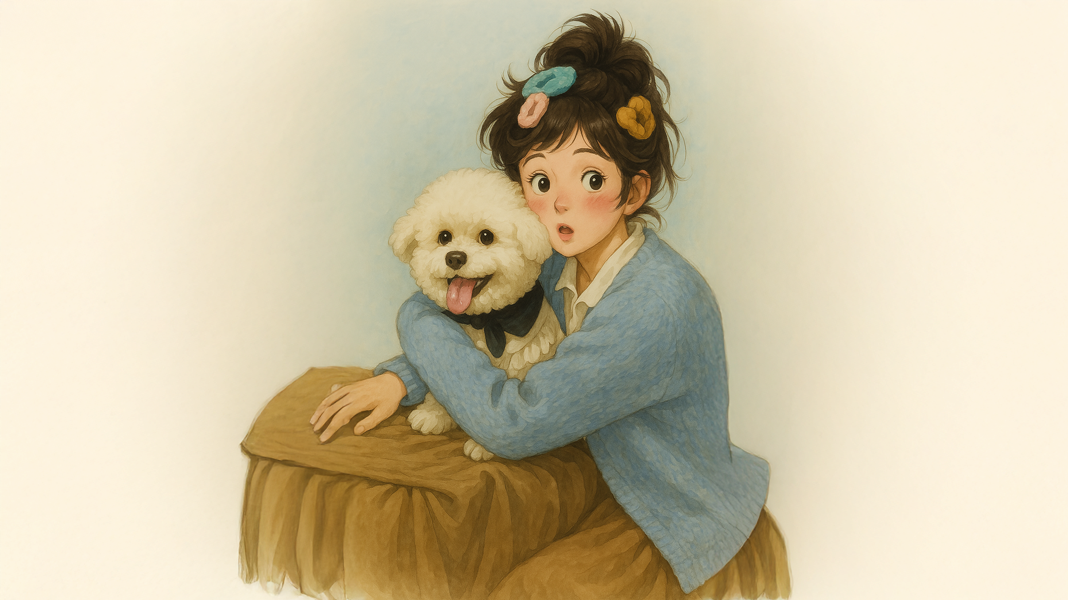
A strong photo can already show mood, product value, style, or personality. However, a little motion can help that same image feel more alive in a social feed, product teaser, campaign page, or website hero section. An ai image animator helps turn a still image into a short moving clip without a full video shoot. The goal is not to make every detail move. The goal is to keep the image clear, add natural motion, and make the final clip useful for real content work.
This guide explains what AI image animation means, which photos work best, how to choose motion, how to write better prompts, how to review quality, and how Vidnix AI can fit into a simple photo-to-motion workflow.
Quick Navigation
Definition Use Cases Choose Photo Motion Types Workflow Prompts Vidnix Fit FAQ
What AI Image Animation Means
First, AI image animation means adding motion to a still picture with AI. The movement can be small and natural. For example, a camera can slowly move toward a product, clouds can drift behind a landscape, light can slide across a surface, or fabric can move as if a soft breeze is passing through the scene.
However, this does not mean the image should turn into a loud effect clip. In most useful content, the original image still needs to stay recognizable. A face should look natural. A product should keep its shape. A logo should stay readable. Therefore, good animation is usually controlled, not exaggerated.
In simple terms, AI image animation sits between a static post and a full video. A static image is easy to publish, but it may feel flat in video-heavy channels. A full video can tell more story, but it takes more time and planning. Animated still images fill the space between both options.
This is why photo motion works well for creators, marketing teams, ecommerce content, landing pages, launch visuals, and social media posts. One strong image can become a short clip, a looping hero visual, a product teaser, an email header, or a campaign asset. As a result, existing photos can work harder without needing a new shoot.
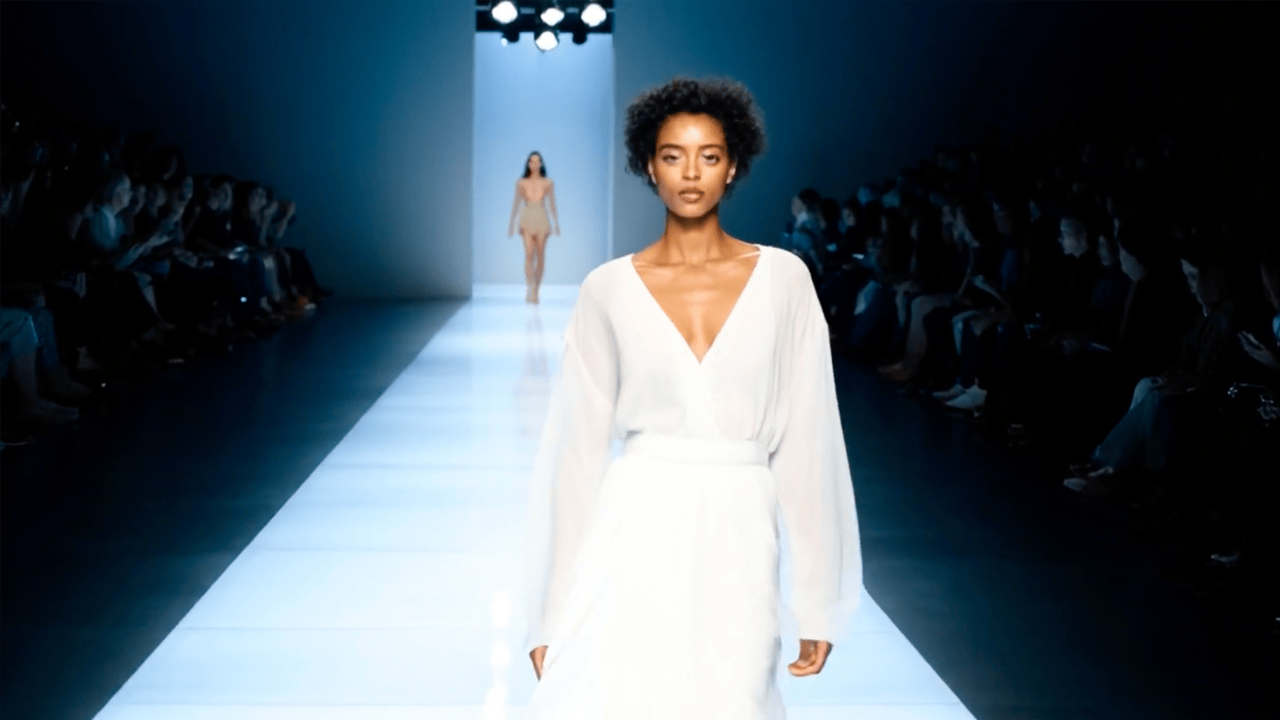 Try AI video effects
Best Use Cases for Animated Still Images
Not every image needs motion. A still image should move only when motion adds attention, emotion, clarity, or commercial value. For that reason, the best use cases usually start with one clear photo and one clear job.
For social media, animated photos can help a post feel less flat. A portrait can use a slow zoom to feel more present. A product image can use a soft light sweep to feel more premium. A travel photo can use moving clouds or water to feel more immersive. Meanwhile, a campaign image can use a small push-in to guide attention toward the main subject.
For ecommerce, motion should be more careful. A product should not bend, stretch, or change color. Instead, the animation can happen around the product. For example, the background can gain depth, the light can move softly, or the camera can move slightly closer. This makes the product feel active while still keeping it accurate.
For brand websites, animated still images can make a page feel more modern. A hero image can use a slow loop behind a headline. A feature section can use a gentle product motion. A testimonial area can use a moving portrait or soft background effect. However, website motion should stay calm because it must not fight with copy, buttons, or page navigation.
For campaign work, photo animation can extend the value of existing assets. A launch image, event photo, seasonal visual, founder portrait, product shot, or behind-the-scenes picture can become several short clips. In addition, different motion versions can be tested without changing the whole creative direction.
Use Case Table
| Goal | Good Photo Type | Best Motion | Avoid |
|---|---|---|---|
| Social teaser | Portrait or campaign image | Slow zoom, light movement, slight parallax | A weak first second |
| Product highlight | Clean product photo | Stable product, soft reflection, camera push | Warped label or changed product shape |
| Website hero | Wide image with empty space | Calm loop, slow camera movement | Motion behind important copy |
| Launch campaign | Hero product or lifestyle image | Reveal motion, glow, background depth | Effects that hide the core message |
| Event recap | Stage, booth, speaker, or atmosphere photo | Light movement, camera drift, soft atmosphere | Distorted faces in group scenes |
How to Choose the Right Photo Before Animation
A better animated clip usually starts before generation. It starts with photo selection. The best image is not always the most beautiful image. Instead, it is the image with the clearest subject, cleanest structure, and most obvious movement potential.
First, look for one main subject. A product on a clean surface, a portrait with a simple background, a travel scene with sky and water, or a lifestyle image with a clear focal point will usually work better. If the frame has too many competing details, motion may make it harder to understand.
Next, check the edges. Product edges, hands, faces, hair, text, and logos can be sensitive during animation. If these details are already blurry or hidden, the moving version may look unstable. Therefore, sharper images usually produce cleaner results.
Then, check the background. Empty space is useful. It gives room for camera motion, depth, text overlay, and platform cropping. A wide image with negative space can work well for a website hero. A tight image can still work for social clips, but it leaves less room for movement.
Finally, ask what the photo should become. If the image has no clear use, it may not be worth animating. A strong candidate should have a place to go: social post, product page, paid ad, newsletter, landing page, launch teaser, or brand story.
Photo Selection Checklist
- The image has one clear subject.
- The subject can be understood within one second.
- Important details are sharp enough to stay stable.
- The background has room for subtle movement.
- The photo has a clear final use.
- The motion idea fits the mood of the image.
Motion Types That Usually Look Natural
A photo can move in several ways. However, most strong clips use only one main motion and one supporting motion. This keeps the result clean, readable, and easier to control.
Camera movement
Camera movement is often the safest starting point. A slow zoom, pan, push-in, or slight dolly move can make a still image feel cinematic. At the same time, the subject can stay stable. This works well for portraits, product images, travel shots, and website visuals.
Background movement
Background movement adds life without touching the main subject. Clouds can move, lights can glow, water can ripple, curtains can shift, or city signs can flicker. This is often safer than moving a face, hand, or product directly.
Light movement
Light movement can make a visual feel more premium. A soft reflection across a product, a glow behind a person, or a moving highlight on a surface can add depth. However, the light should not change the real color of the subject too much.
Small subject movement
Small subject movement can work when it feels natural. Hair, fabric, steam, smoke, water, and leaves are good examples. Still, faces, hands, logos, labels, and product edges need careful control because distortion is easier to notice there.
Atmosphere
Atmosphere includes particles, fog, rain, snow, dust, or stage light. It can create mood quickly. However, it should match the scene. A clean product image may only need a small glow, while a concert photo can handle stronger light and haze.
Step-by-Step Workflow: From Photo to Moving Clip
A clear workflow gives better results than random testing. It also helps teams repeat the same quality across multiple assets. The process below works for social clips, product visuals, brand pages, campaign teasers, and short-form content.
Step 1: Pick the final placement first
First, decide where the clip will appear. A social post, product page, homepage hero, email banner, and ad creative all need different motion. For example, social content needs a fast first impression. A website hero needs calmer motion because people must still read the page.
Step 2: Choose the image based on that placement
Next, choose the photo that fits the placement. A vertical social clip may need a centered subject. A wide website banner may need empty space on one side. A product page visual may need a clean product angle and stable label.
Step 3: Write one motion goal
Then, write the motion goal in one sentence. For example, “make the product feel premium with a slow camera push and soft reflection.” Another example is, “make the portrait feel warm with a slight zoom and soft background movement.” This keeps the result focused.
Step 4: Protect what must stay stable
After that, define what should not change. For product content, protect product shape, logo, color, label, and material. For portraits, protect the eyes, mouth, face shape, and skin texture. For campaign graphics, protect text and brand elements.
Step 5: Generate a clean first version
Start with subtle motion. A small camera move or light shift is often enough. If the first result feels too flat, add one supporting movement. However, do not increase every effect at the same time. Controlled changes make it easier to see what improved.
Step 6: Review on the final screen
Finally, check the clip where it will appear. A phone preview can reveal problems that a desktop preview hides. If text is hard to read, motion is too strong, or the subject changes shape, the clip needs another version.
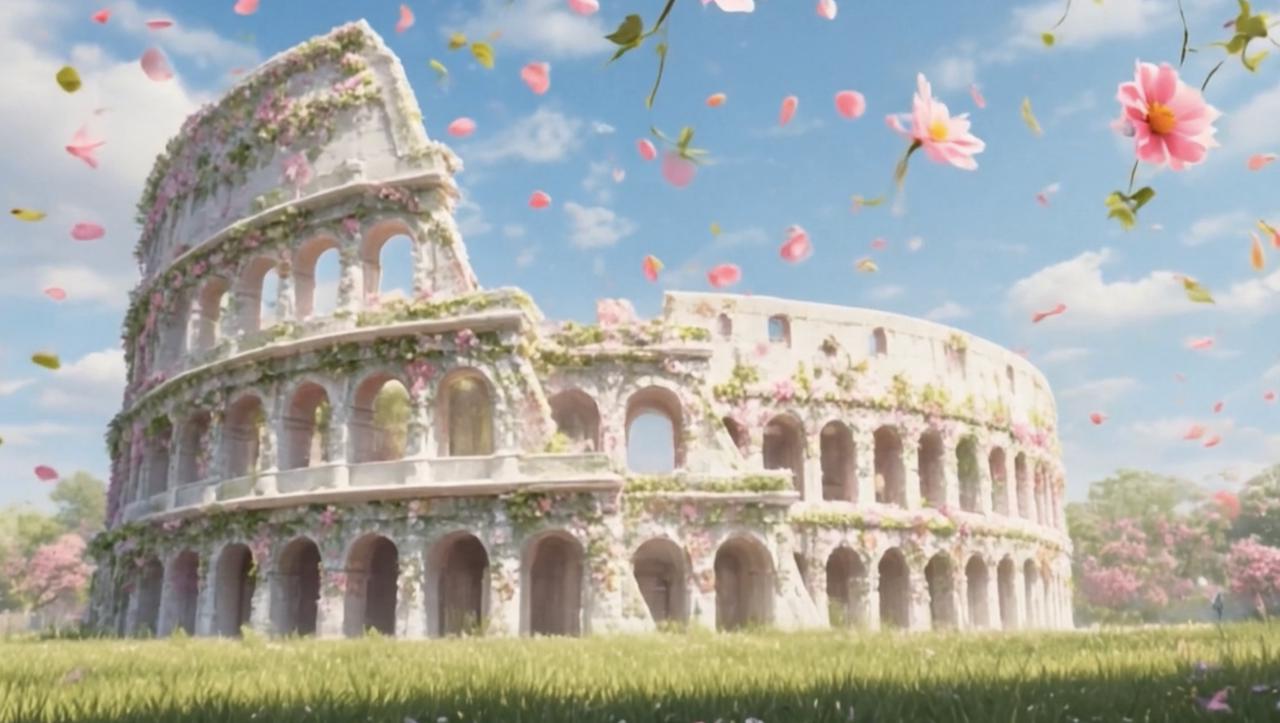 Turn one photo into video
Platform Scenarios: Social, Website, Product, and Ads
Different platforms need different motion. A clip that works well in a vertical social story may feel too aggressive on a homepage. A calm website loop may feel too slow for a short social post. Therefore, the same source image may need several versions.
For social posts, the first second matters most. The subject should appear quickly. The motion should start early. A slow zoom, small reveal, or light movement can help the post feel active without making it confusing.
For website heroes, motion should support the layout. If a headline, button, or product claim sits over the image, the background should not move too much. Calm loops, slow depth movement, and gentle light shifts usually work better.
For product pages, accuracy matters most. The clip should make the product clearer or more attractive. It should not create a false shape, false texture, or false function. For this reason, product motion often works best around the item rather than through the item.
For ad creatives, the image must communicate quickly. A moving image may help attention, but the offer, product, or message still needs to be clear. If the effect is beautiful but the product is hard to understand, the ad creative is not strong enough.
Platform Motion Guide
| Placement | Motion Speed | Best Choice | Quality Check |
|---|---|---|---|
| Short social clip | Medium | Early motion hook | Subject clear in one second |
| Website hero | Slow | Calm loop | Text still readable |
| Product page | Slow to medium | Stable product, soft light | No shape or label change |
| Ad creative | Medium | Clear reveal or motion focus | Message easy to understand |
Prompt Examples for Natural Photo Motion
A good prompt should be simple. It should say what should move, how it should move, and what should stay stable. This is especially important when the image includes a face, product, label, logo, or text.
A weak prompt may say only “make this photo move.” That gives too little direction. A stronger prompt says, “slow camera push toward the product, soft reflection moving across the surface, stable product shape, readable label, no logo distortion.” This is clearer and safer.
Prompt Table
| Image Type | Prompt Direction | What to Protect |
|---|---|---|
| Portrait | Slow cinematic push-in, soft background movement, gentle light shift | Natural face, eyes, mouth, skin texture |
| Product | Stable product, soft moving reflection, slow camera dolly | Shape, color, label, logo, material |
| Travel | Slow camera drift, moving clouds, warm sunlight shift | Natural landscape structure |
| Campaign graphic | Subtle parallax, slight zoom, clean contrast, readable text | Headline, brand mark, product area |
| Event image | Soft light movement, camera drift, stage atmosphere | Faces, signage, important scene details |
How Vidnix AI Fits This Workflow
Vidnix AI fits best when the project starts with a clear image and a clear motion goal. Instead of building a long video from scratch, the workflow can begin with one still photo and one practical creative direction. This makes the process easier for fast content production.
For effect-led ideas, the apply AI video effects path works well when the image needs a stronger visual style. This can fit creative posts, campaign visuals, mood-based clips, and social content that needs a more eye-catching result.
For direct photo animation, the create AI video from image workflow is the clearer option. It fits projects where a still image needs to become a short moving clip for social, product, brand, or website use.
For planning a larger batch, the pricing and credits page helps estimate the test scope before scaling. A practical first batch can include one portrait, one product image, one lifestyle image, and one campaign graphic. This gives enough variety to judge which motion style works best.
Vidnix Product Matching Guide
| Need | Best Path | Why It Fits |
|---|---|---|
| Add visual style to a still image | Video Effects | Good for mood, energy, and creative effect treatments. |
| Turn one photo into a short clip | Image to Video | Good for direct photo-to-motion workflows. |
| Plan a content batch | Pricing and credits | Good for checking the test scope before scaling. |
Common Mistakes to Avoid
The first mistake is using too much motion. When the camera, subject, background, lighting, and particles all move at once, the clip can feel noisy. A cleaner result usually uses one main movement and one small supporting effect.
The second mistake is moving the most important detail. A product should not bend. A face should not change shape. A logo should not blur. If the animation damages the reason the photo matters, the clip is not ready.
The third mistake is ignoring the final format. A vertical social clip, square feed post, wide website hero, and email banner need different crops. Therefore, one export should not be forced into every placement.
The fourth mistake is placing text over heavy motion. If a headline sits over a busy moving background, the message becomes harder to read. For landing pages, ads, and product pages, readability should come before effects.
The fifth mistake is skipping review. Some distortion appears for only a few frames, but loops make it more obvious. A final check should include subject stability, crop, text clarity, product accuracy, and first-second impact.
Publishing Check Before the Clip Goes Live
Before publishing, review the animated clip like a real viewer would see it. First, watch it on a phone. Then, check the first second. After that, pause several frames to see whether the subject stays stable.
For social content, the subject should be clear immediately. For website content, motion should not distract from the headline or CTA. For product content, the shape, label, color, and texture should remain consistent.
Also, check whether the clip has a clear next step. A social teaser may lead to a landing page. A product visual may lead to a product action. A website hero may lead to a feature page or creation tool. Motion is useful only when it supports the content path.
Final Publishing Checklist
- The main subject is clear in the first second.
- The motion looks natural and controlled.
- Product shape, logo, label, and color stay stable.
- Any text remains easy to read.
- The crop fits the final channel.
- The loop does not show strange jumps.
- The clip has a clear next step, such as a tool page, campaign page, or CTA button.
Related Tools and Next Steps
A simple way to start is to test one image with one motion style. Then, compare the result across social, website, and product use. If the result feels clear, the same motion logic can be reused across more visual assets.
- Apply motion effects to still images when the project needs style, energy, and a stronger visual treatment.
- Turn one photo into video when the goal is a complete short clip from a still image.
- Check pricing and credits before planning a larger batch of visual tests.
FAQ
What is AI image animation?
AI image animation adds motion to a still picture. The motion can include a slow camera move, moving light, background depth, soft atmosphere, or small subject movement. The best result keeps the original image recognizable.
Which photos work best for animation?
Clear portraits, clean product photos, travel images, event scenes, lifestyle photos, and campaign visuals usually work well. A good image has one main subject, enough background space, and clear lighting.
How can animated photos avoid looking fake?
Use subtle movement first. Keep faces, product shapes, logos, labels, and text stable. Background motion, camera movement, and soft light shifts usually look more natural than strong subject movement.
Can animated still images help product content?
Yes. A product image can feel more active with a slow camera move, soft reflection, or simple background depth. However, the product itself should remain accurate and easy to recognize.
Is photo animation the same as image-to-video?
They are closely related. Photo animation focuses on making a still image feel alive. Image-to-video is a broader workflow that turns one image into a short video clip with motion, timing, and format choices.
How long should an animated still image be?
Most animated still images work best as short clips. Social posts often need a quick hook, while website loops should feel slower and calmer. The right length depends on placement, message, and viewing context.
Final Takeaway
AI image animation works best when motion has a clear reason. A still photo should not move only because motion is possible. Instead, the movement should make the image easier to notice, easier to feel, or easier to use in a real content channel.
In most cases, the best path is simple. Start with a strong photo. Choose one main motion idea. Protect the important details. Review the result on the final platform. Then, use the clip where motion improves the message.
- Start small: test one portrait, one product image, and one campaign visual first.
- Keep it stable: protect faces, product shapes, logos, labels, and text.
- Match the channel: use faster hooks for social clips and calmer loops for website sections.
Ready to animate a still image?
A practical test can begin with one strong photo and one simple motion prompt. Vidnix AI can help turn that static image into a short moving clip for social, product, campaign, or website use. For a focused workflow, an ai image animator can make existing visual assets feel more alive without losing the original message.
Animate your image with Vidnix AI