
AI Image Animator for Art, Anime, and Illustrations
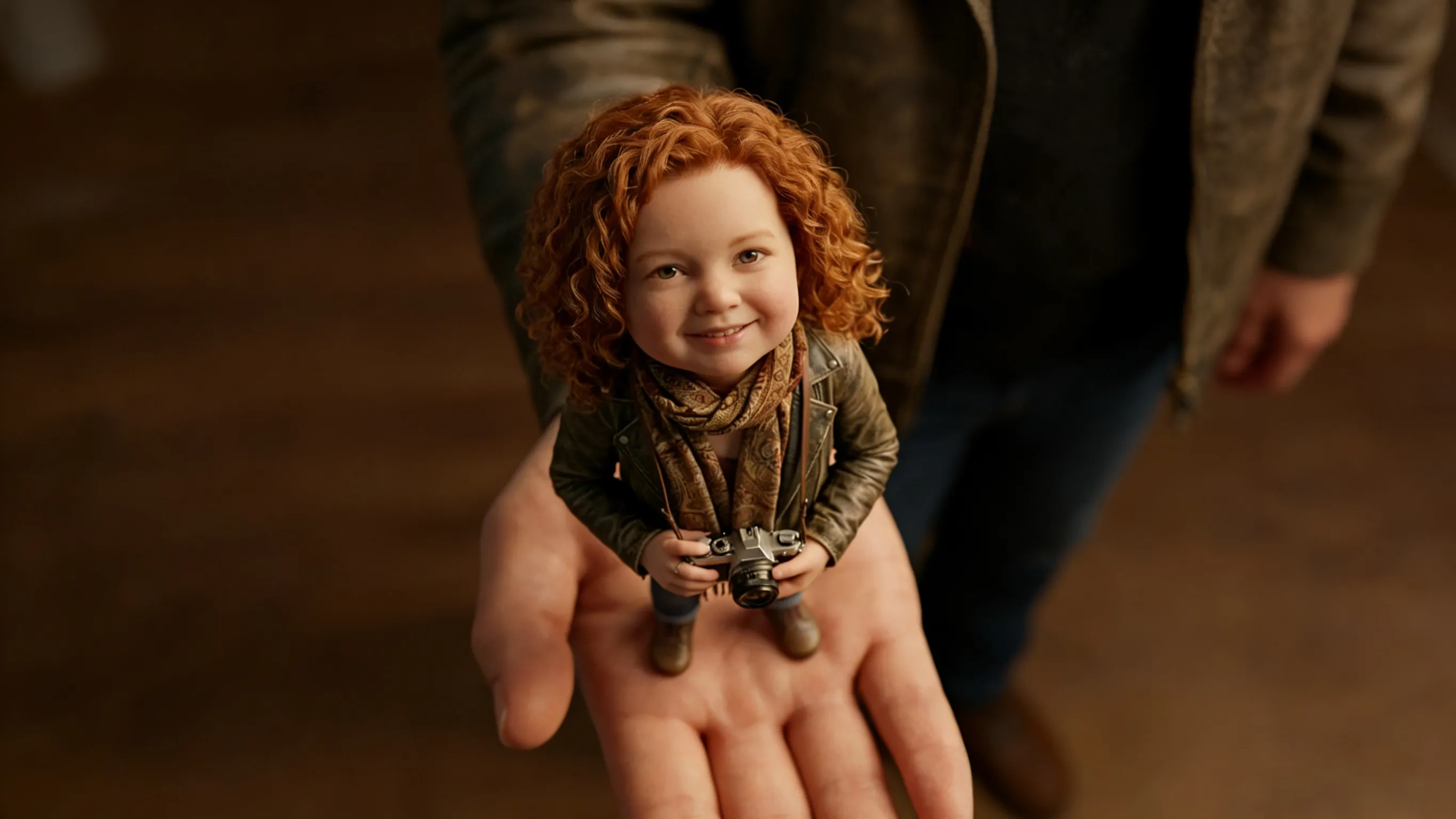
A strong image already has style, mood, color, and visual direction. However, short motion can make that same image more useful for social posts, campaign teasers, landing pages, portfolio previews, and product concept visuals. An ai image animator works best when the goal is not random movement. Instead, the animation should protect the original artwork while adding camera motion, light, atmosphere, and small details that make the scene feel alive.
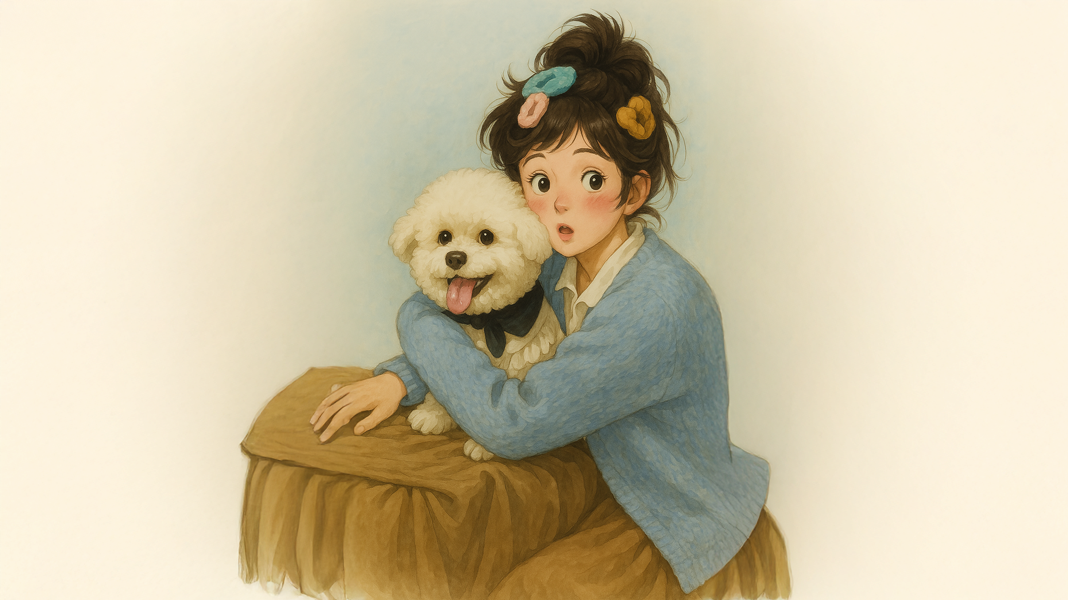 Explore video effects for artwork
1. Why Animate Artwork Instead of Making a New Video?
First, artwork already contains creative direction. The color palette, subject, composition, lighting, and mood are already chosen. Therefore, animation can focus on presentation instead of rebuilding the whole visual from zero.
For many creative projects, a short clip is enough. A five-second loop, a gentle camera push, or a slow light movement can make an image feel more active on a feed or landing page. At the same time, the original style remains easy to recognize.
However, artwork animation needs more control than ordinary photo motion. A product photo may only need a slow zoom. An illustration may need stable line art, protected facial features, and controlled background movement. As a result, the best question is not “how much can move?” The better question is “which movement improves the image?”
2. Which Images Work Best for AI Artwork Animation?
A clean source image usually gives a cleaner animation. Strong edges, clear lighting, readable subjects, and a simple focal point help the motion stay stable. Meanwhile, crowded artwork needs lighter movement because too many moving details can weaken the scene.
In addition, images with depth often work better. A foreground, a main subject, and a separated background create space for parallax, camera motion, and environmental details. Flat artwork can still work, but the motion should stay more restrained.
| Image Type | Best Motion | Protect First | Best Placement |
| Anime-style portrait | Hair movement, light shift, slow camera hold | Face, eyes, line art, outfit shape | Shorts, Reels, character previews |
| Fantasy illustration | Mist, glow, particles, background depth | Main subject, color palette, composition | Portfolio preview, teaser clip |
| Poster artwork | Reveal motion, spotlight, subtle texture movement | Text, logo, centered layout | Launch graphic, event creative |
| Product illustration | Clean push-in, reflection movement, shadow shift | Product shape, label, texture | Ecommerce visual, concept hero |
3. Choose Motion Based on the Image, Not the Trend
Many weak animations fail because the motion is chosen before the image is understood. For example, a dramatic camera move may fit a fantasy landscape. However, the same movement can make a product label bend or a character face shift.
Therefore, motion should follow the visual risk. If the image has a face, protect identity. If the image has text, protect readability. If the image has a product, protect shape and label clarity.
- Use subtle motion when the artwork has faces, hands, text, or detailed line work.
- Use atmospheric motion when the scene has mist, clouds, water, light, particles, or background space.
- Use locked camera motion when the image includes labels, UI, logos, or precise product shapes.
- Use camera push-in motion when the image has a clear subject and needs more focus.
4. A Practical Workflow to Animate Artwork Without Losing Style
A good workflow prevents random testing. Instead of trying many dramatic prompts, start with one clean image, one motion direction, and one stability rule. This makes the first result easier to judge.
For illustration animation, the first test should be safe. Once the subject stays stable, the next version can add stronger light, deeper parallax, or more visible background movement.
- Start with a clean source image. Use the sharpest version available and avoid heavy compression.
- Define the protected areas. Face, hands, text, logo, line art, and product labels need extra stability.
- Choose one main motion. Select camera movement, atmosphere, light movement, or small subject motion.
- Write a short prompt. Describe the subject, movement, camera, mood, and stability rule.
- Review the first second. The subject should remain recognizable immediately.
- Revise one detail at a time. Reduce camera movement before rewriting the full prompt.
This workflow is useful for creators, marketing teams, social media editors, ecommerce visuals, and small creative teams that need repeatable short video assets from finished images.
5. Creative Use Cases for Art, Anime, and Illustration Animation
Short animation can make one still image work across more channels. A finished character design can become a social teaser. A poster can become a launch asset. A product illustration can become a premium hero clip.
However, each use case needs a different motion plan. The same prompt should not be reused for every image because every image has a different risk area.
Anime Image to Video for Social Posts
Anime-style images usually depend on character identity and emotional tone. Therefore, motion should protect the face first. Hair movement, soft wind, background rain, and neon light shifts are often safer than a full pose change.
For example, a character standing in a rainy street can use moving rain, reflected light, and a slow camera hold. The clip feels cinematic, but the character remains consistent.
Illustration Animation for Landing Pages
A landing page visual should not fight the headline or CTA area. Therefore, illustration motion should stay subtle. Background glow, floating shapes, soft parallax, and slow ambient movement usually work best.
For a SaaS-style hero image, the safest motion is often a locked camera with gentle UI glow or floating background shapes. This adds energy without making the layout feel noisy.
Product Artwork for Ecommerce Visuals
Product artwork needs trust and clarity. The product shape, label, logo, and material texture should stay stable. Therefore, a clean push-in, light sweep, or reflection movement is safer than a dramatic zoom.
If a skincare bottle label starts bending, reduce camera motion before changing the full prompt. This small fix often improves the result faster than writing a new prompt from zero.
6. Prompt Table for Cleaner Artwork Motion
A strong prompt sounds like a simple shot direction. It should say what appears in the image, what moves, how the camera behaves, and what should remain unchanged.
The table below gives practical prompt directions for common creative scenarios. Each one includes a stability instruction because detailed artwork often fails when the important parts start shifting.
| Scenario | Prompt Direction | Best For |
| Anime-style portrait | Gentle wind moves hair and clothing, soft background light shift, slow camera hold, keep facial features and line art stable. | Reels, Shorts, character previews |
| Fantasy illustration | Slow push into a fantasy forest, soft mist moves between trees, glowing particles drift, preserve the original painting style. | Art portfolio, teaser clip, background loop |
| Poster artwork | Short animated poster reveal, subtle spotlight glow, slow vertical movement, keep all text sharp and unchanged. | Campaign creative, event graphic |
| Product illustration | Premium product hero motion, clean camera push, soft reflection movement, keep package shape and label stable. | Ecommerce asset, concept launch, ad test |
| Landing page visual | Calm ambient motion, background glow shifts slowly, foreground stays readable, keep empty space clean for headline placement. | Hero section, SaaS page, campaign page |
7. Common Mistakes That Make Artwork Animation Look Weak
The most common mistake is asking for too much movement at once. A prompt that requests a new pose, new objects, dramatic action, a camera spin, and heavy effects can quickly lose the original image.
Another common problem is unclear protection. If the prompt does not protect the face, logo, text, line art, or product shape, those details may shift. Therefore, a stability rule should appear in the prompt whenever the image contains important details.
| Problem | Likely Cause | Better Fix |
| Face changes between frames | Movement is too strong or the face is not protected. | Use slower motion and add “keep facial features stable.” |
| Text bends or becomes unreadable | Typography sits inside an animated area. | Keep text static or add text after generation. |
| Product label warps | Camera motion is too aggressive. | Use locked camera and light movement instead. |
| Line art wobbles | The animation changes too many edge details. | Preserve original line art and reduce movement. |
| Scene feels generic | The prompt uses broad style words only. | Describe specific motion: glow, mist, fabric, steam, shadow, or camera push. |
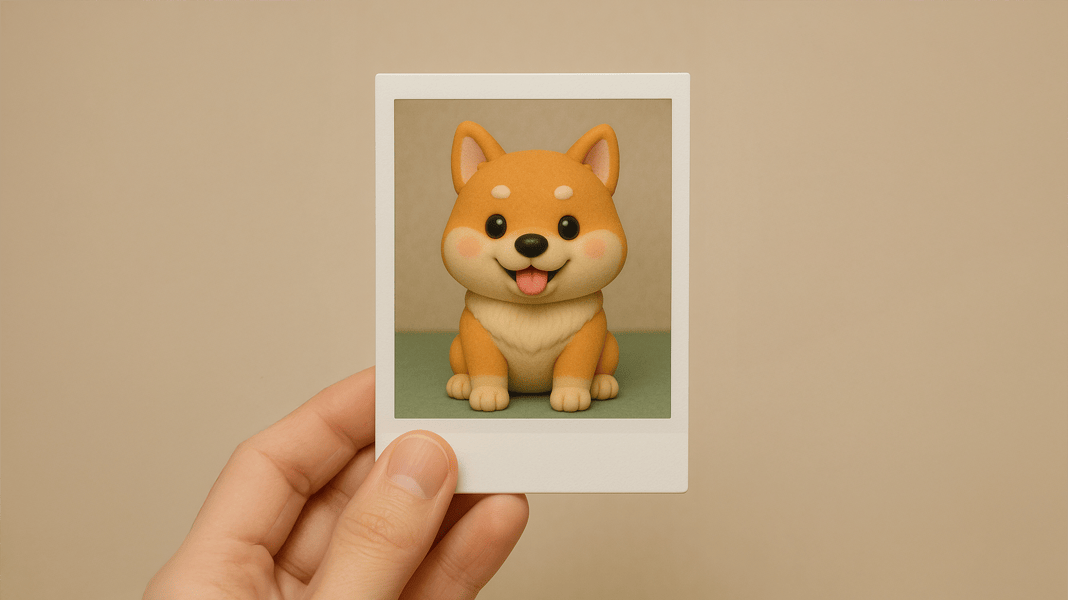 Create AI video from image
8. Match the Vidnix Workflow to the Creative Goal
A clear workflow reduces wasted tests. If the artwork already exists and only needs motion, the image-to-video tool is the most direct path. It fits artwork, product images, anime-style visuals, portraits, illustrations, and creative concept images.
However, some projects need a stronger effect-led direction. In that case, animate artwork with video effects can support a more stylized visual treatment for campaign teasers, social creative, and short motion tests.
Before batch testing several versions, review pricing and credits. Creative testing often needs multiple prompt variations, so credit planning helps keep the workflow predictable.
| Creative Need | Recommended Path | Why It Fits |
| Turn one finished image into a short moving clip | Image to Video | Best for direct still-image animation with motion prompts. |
| Create a more stylized creative asset | Video Effects | Useful when the image needs a stronger effect direction. |
| Test multiple prompt versions for a campaign | Pricing and Credits | Helpful before generating several creative variations. |
9. Quality Check Before Publishing the Animated Clip
A generated clip should be reviewed in the place where it will appear. A video may look strong in a preview window but feel too busy on a landing page. Therefore, context matters.
Before publishing, compare the clip with the original image. If the animation makes the image less clear, reduce movement. If the image still feels static, add one controlled detail rather than rewriting the whole scene.
- Check subject identity: the character, product, or main visual should remain recognizable.
- Check detail stability: faces, hands, text, logos, labels, and line art should not distort.
- Check motion logic: camera movement should match the depth and lighting of the image.
- Check platform fit: vertical posts, website hero sections, and portfolio previews need different pacing.
- Check loop quality: if the clip loops, the ending should not jump sharply.
FAQ: Animating Artwork, Anime Images, and Illustrations
What is the safest way to animate artwork?
The safest method is to start with subtle motion. A slow camera push, moving light, drifting particles, or soft background motion can add life without changing the original artwork too much.
Can anime-style images be turned into short videos?
Yes. Anime-style images can work well when the prompt keeps the face, eyes, line art, and outfit stable. Hair movement, soft light, and background atmosphere are usually safer than large pose changes.
Why does text inside an artwork become distorted?
Text can distort when camera movement or background motion is too strong. For poster artwork, labels, or UI graphics, the prompt should ask to keep all text sharp and unchanged.
What type of motion works best for illustration animation?
Illustration animation usually looks best with atmospheric motion. Mist, glow, light movement, clouds, fabric, steam, water, and soft parallax can make the scene feel alive while preserving the drawing style.
Should product artwork use dramatic motion?
Usually not. Product artwork needs stable shape, label clarity, and consistent material texture. A locked camera, soft reflection, and light sweep are often better than a fast zoom or strong rotation.
How many prompt tests are useful?
A small set of focused tests is usually enough at the beginning. Start with one locked-camera version and one slow push-in version. Then adjust the better result instead of rewriting every prompt from zero.
Conclusion: Animate Artwork with a Clear Motion Plan
Great artwork animation does not need exaggerated movement. It needs a clear visual plan. The original image should remain recognizable, while motion adds depth, mood, and a stronger reason to stop scrolling.
For art, anime-style images, product illustrations, and campaign visuals, an ai image animator works best with a clean image, one main motion idea, and a stability rule for important details.
- Start with subtle movement before testing dramatic effects.
- Protect faces, text, line art, product shapes, logos, and labels inside the prompt.
- Use Image to Video for one still image, Video Effects for stronger creative treatment, and Pricing before batch testing.